




Why 16GB RAM and an SSD Matter for Everyday Small Business Multitasking
Learn why 16GB of RAM and SSD storage make such a noticeable difference for small business multitasking—from browser tabs and spreadsheets to video calls and cloud tools.
Learn why 16GB of RAM and SSD storage make such a noticeable difference for small business multitasking—from browser tabs and spreadsheets to video calls and cloud tools.
Why 16GB RAM and an SSD Matter for Everyday Small Business Multitasking
When a small business computer starts feeling sluggish, the culprit is rarely a single dramatic failure. More often, it is the quiet accumulation of everyday demands: twenty browser tabs open at once, a large spreadsheet in the background, an active video meeting, and cloud apps syncing continuously.
Two core hardware components play an outsized role in keeping daily work responsive and predictable: system memory (RAM) and solid-state storage (SSD). Understanding how each one works helps small business owners and home-office professionals choose dependable equipment without paying for features they do not need.
Here is why 16GB of RAM and SSD storage have become a practical sweet spot for modern small business workflows.
What RAM Actually Does During a Busy Workday
Think of RAM (Random Access Memory) as your desk surface. The larger your desk, the more documents, folders, and reference sheets you can keep open and reach immediately. When that desk runs out of room, you have to pack things away and pull them back out—which slows everything down.
Modern web browsers, CRM dashboards, accounting tools, and video conferencing apps all consume memory simultaneously. When a computer runs low on RAM, the operating system relies more heavily on storage to temporarily hold data, which can cause noticeable lag when switching windows or loading web apps.
How RAM Capacities Compare for Small Business Work
- ☐ 8GB RAM: Suitable for basic, single-task usage such as light email, simple documents, and a modest number of browser tabs.
- ☐ 16GB RAM: A practical target for everyday business multitasking, keeping browsers, spreadsheets, messaging tools, and meetings running smoothly together.
- ☐ 32GB RAM or higher: Best reserved for heavy data modeling, large local databases, or intensive creative production.
Why an SSD Makes Everyday Work Feel Faster
While RAM handles active data in use, your storage drive holds your operating system, installed programs, invoices, presentations, and client files. An SSD (Solid-State Drive)—especially modern NVMe SSDs—reads and writes data significantly faster than traditional mechanical hard drives, with no moving parts.
In day-to-day business terms, fast SSD storage helps your computer:
- ☐ Boot up quickly in the morning and wake up promptly between tasks.
- ☐ Launch office suites, accounting software, and browsers without long delays.
- ☐ Save, search, and open large files and attachments more smoothly.
- ☐ Provide breathing room with capacities like 512GB as a strong starting point for growing business files.
How 16GB RAM and SSD Storage Work Together in Real Scenarios
Specs look good on paper, but real value shows up in common business routines:
| Everyday Business Scenario | Role of 16GB RAM | Role of SSD Storage |
|---|---|---|
| Client calls & live screen sharing | Keeps video calls, chat, and shared decks running without freezing. | Opens presentation files and PDFs rapidly when needed on the spot. |
| Invoicing, bookkeeping & spreadsheets | Handles multiple active sheets and browser portals at once. | Saves reports and exports records quickly with dependable responsiveness. |
| Front desk & reception operations | Supports scheduling tools, email, and web apps without slowdowns. | Ensures quick startups and smooth daily operation across shifts. |
Compact and Integrated Setups Built for Everyday Productivity
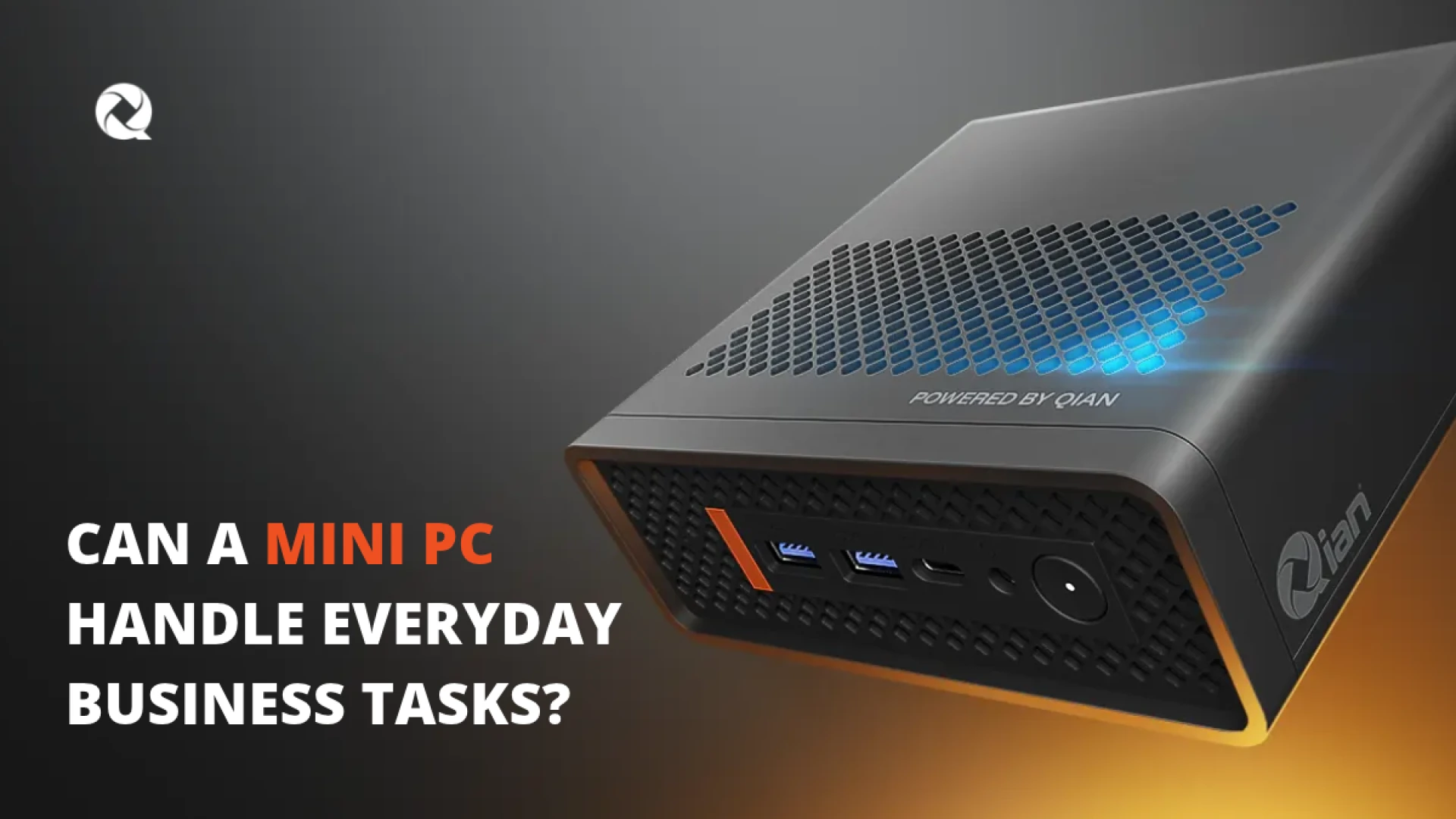
A well-balanced computer does not need to take over your entire desk. Compact Mini PCs and integrated All-in-One desktops can deliver 16GB of memory and fast SSD storage in clean footprints tailored to offices, reception counters, and home workspaces.
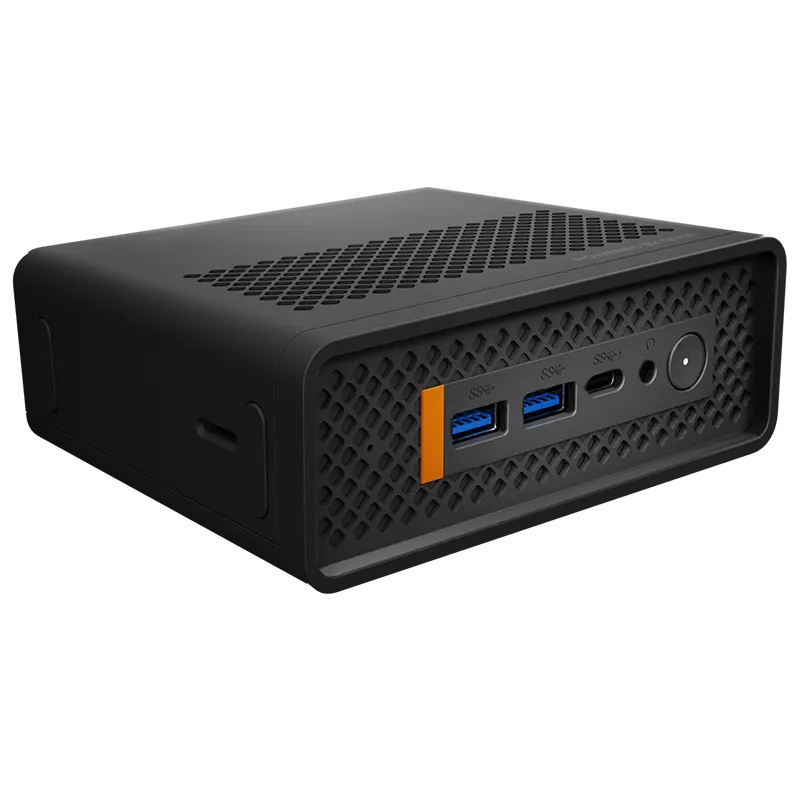
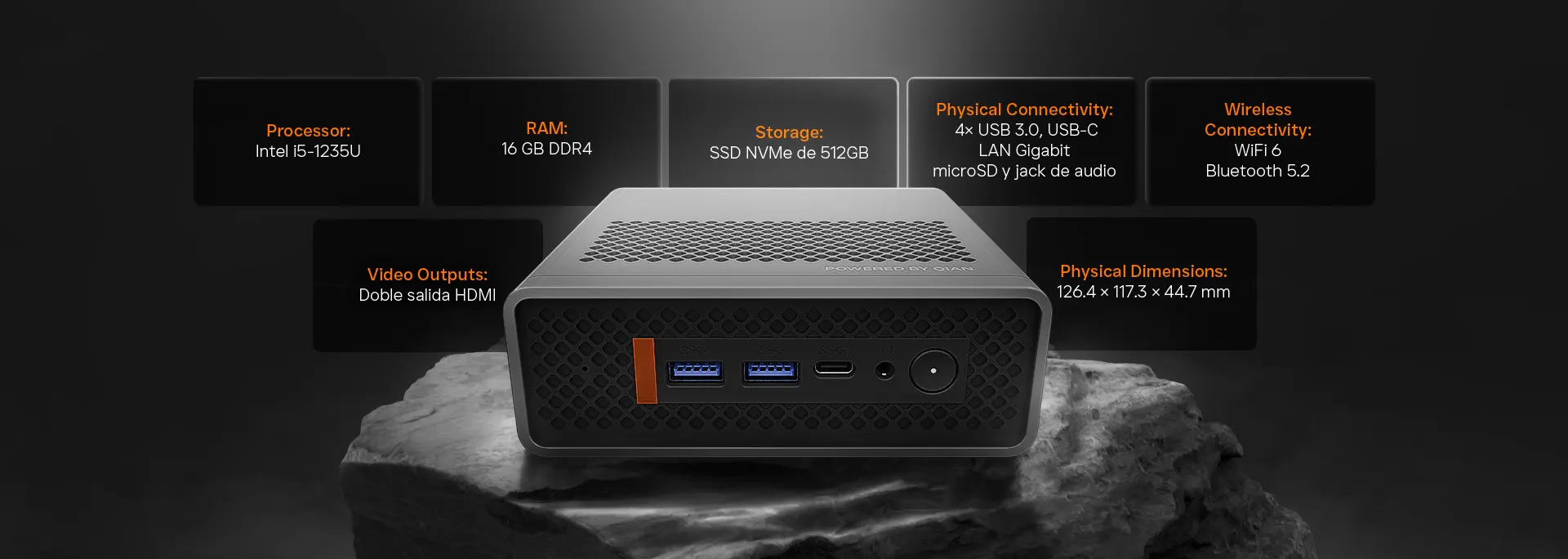
Qian Atlas 5 Mini PC (QII-12A15)
Equipped with an Intel Core i5-1235U processor, 16GB DDR4 RAM, and a 512GB SSD, plus Wi-Fi 6, Dual HDMI outputs, and VESA mount support for space-saving business multitasking.
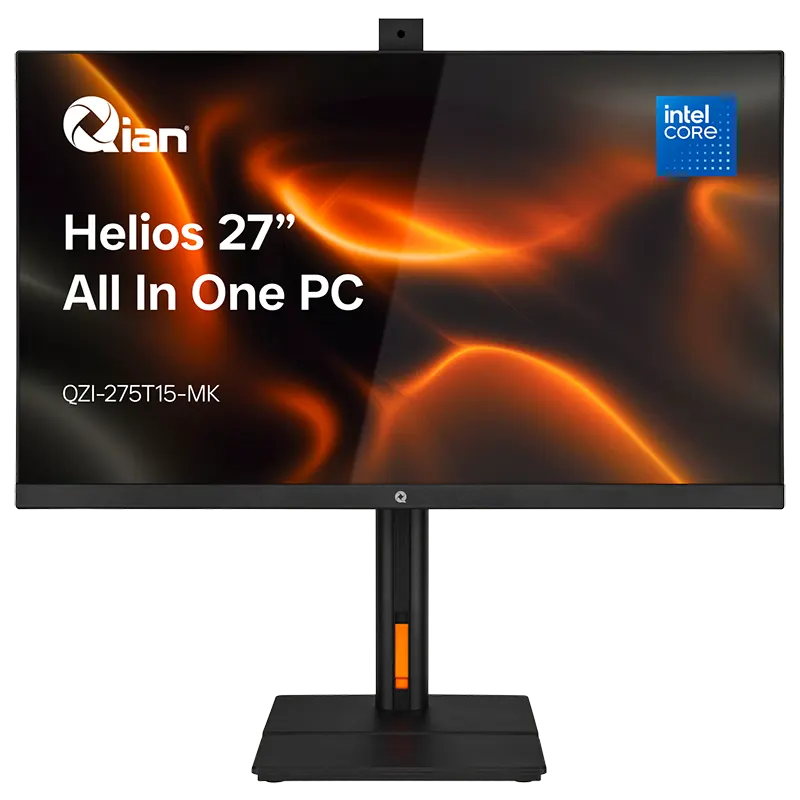
Qian Helios 27" All-in-One Desktop PC (QZI-275T15-MK)
Combines a 27" Full HD display, Intel Core i5-1135G7 processor, 16GB DDR4 RAM, 512GB SSD, Wi-Fi 6, and a 5MP webcam in a clean, integrated workstation for offices and reception areas.
Quick Checklist Before You Buy a Business PC
Before purchasing your next office or home-office computer, confirm these practical essentials:
- ☐ 16GB RAM to handle everyday multitasking without constant slowdowns.
- ☐ 512GB or larger SSD for fast boot times, quick file access, and room for business documents.
- ☐ Reliable connectivity (such as Wi-Fi 6 and Ethernet) for cloud apps and video meetings.
- ☐ The right form factor—compact Mini PC or integrated All-in-One—for your desk space.
Frequently Asked Questions
Is 16GB of RAM enough for most small businesses?
For most small business and home-office workflows—such as web browsers with multiple tabs, spreadsheets, email, document editing, and video calls—16GB of RAM is a practical target for smooth multitasking.
Why choose an SSD instead of a traditional hard drive for office work?
SSDs load operating systems, applications, and files much faster than mechanical hard drives and have no moving parts, helping daily tasks feel more responsive.
How much SSD storage should a small business start with?
512GB is a practical starting point for many small businesses that store documents and apps locally alongside cloud storage, while larger local file libraries may benefit from 1TB or more.
Can a Mini PC or All-in-One handle daily business multitasking?
Yes. When paired with a capable processor, 16GB of RAM, and SSD storage, compact Mini PCs and integrated All-in-One computers handle everyday office multitasking efficiently while saving desk space.
You may also like

Submit your review
Your email address will not be published. Required fields are marked *
 MONITORS
 KEYBOARDS & MICE
 NETWORKING ACCESSORIES
 POINT OF SALE
 ENERGYS
 PROJECTORS & SCREENS
 SURVEILLANCE
 COMPUTER SYSTEMS