




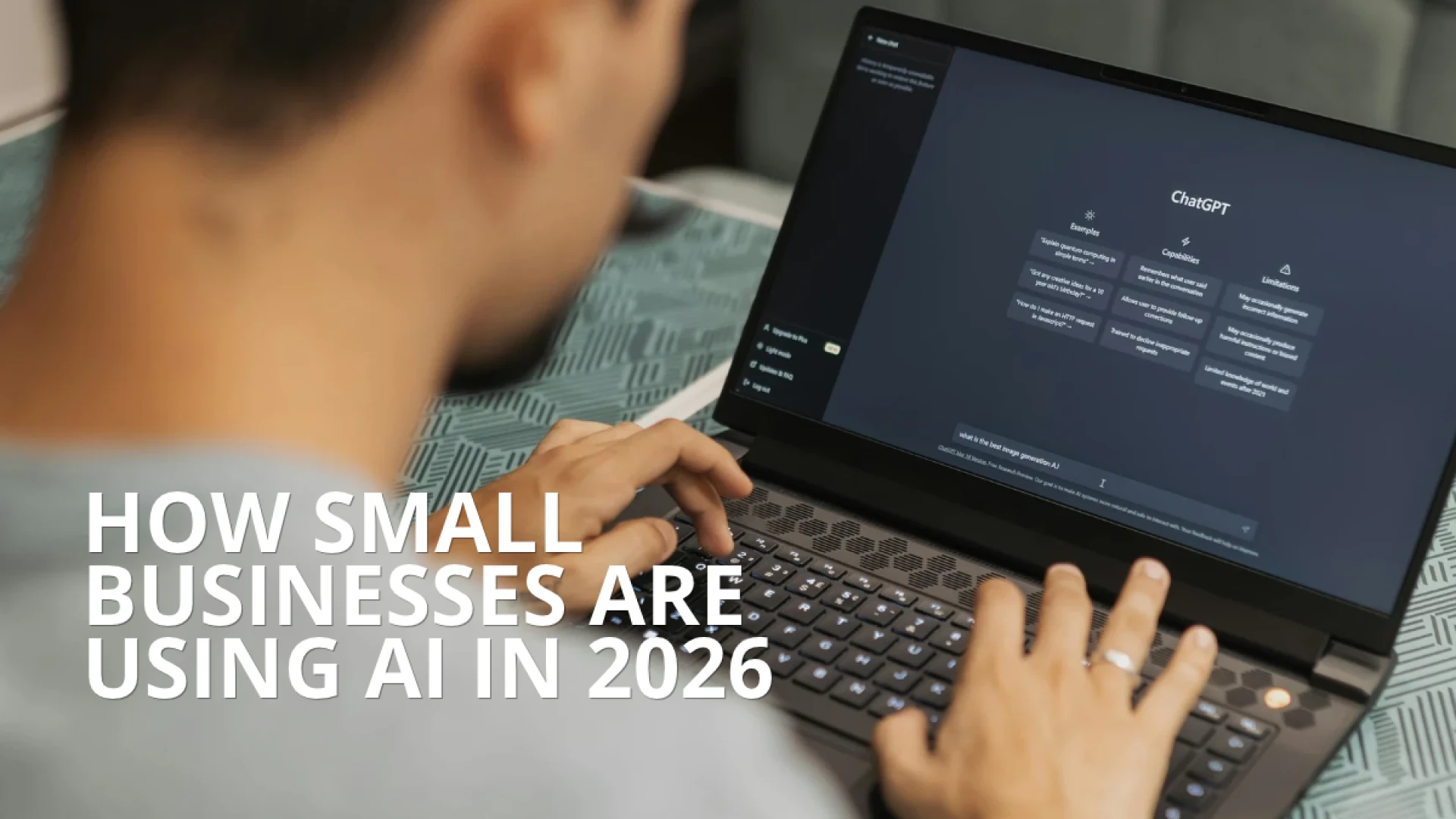
How Small Businesses Are Using AI in 2026
Discover how small businesses use AI in 2026 to automate workflows, create marketing content, organize data, and boost daily productivity without needing specialized hardware.
Discover how small businesses are using artificial intelligence in 2026 to streamline communication, create marketing content, organize data, and improve customer support—without needing complex or expensive setups.
How Small Businesses Are Using AI in 2026: Practical Workflows for Everyday Growth
Artificial intelligence is becoming part of everyday business operations. From drafting emails and creating marketing content to organizing information and analyzing data, AI tools are helping small businesses handle tasks that once required significantly more time and resources.
Adoption is growing rapidly. According to the U.S. Chamber of Commerce's 2026 Empowering Small Business report, 66% of U.S. small businesses now use AI, up from 58% in 2025.
Getting started with AI does not require a specialized engineering team or an expensive workstation. Because the most popular AI tools run directly through a web browser or cloud-based application, small teams can integrate artificial intelligence into their daily routines right away.
4 Practical Ways Small Businesses Are Using AI in 2026
A recent Goldman Sachs survey of small business owners found that the top applications of AI center around daily productivity, written marketing content, and business strategy. Here is how small businesses are putting AI to work every day.
1. Drafting Emails & Documents
Eliminate blank-page syndrome by generating first drafts for client responses, proposals, meeting agendas, and internal updates in seconds.
2. Creating Marketing Content
Brainstorm social media calendars, write product descriptions, and design promotional visuals without needing a full-time creative agency.
3. Organizing Data & Insights
Summarize customer feedback, group survey responses, and condense lengthy sales reports into clear, actionable takeaways.
4. Supporting Customer Service
Organize incoming inquiries, answer routine FAQ questions, and draft accurate replies so staff can focus on complex customer needs.
1. Writing Emails and Business Documents
Business communication consumes hours every week. Whether you are answering customer questions, preparing project proposals, or sending internal updates, AI writing assistants help you move from idea to polished message faster:
- ☐ Draft professional emails and tailored customer responses.
- ☐ Summarize lengthy PDFs, contracts, and vendor documents.
- ☐ Generate structured meeting agendas and post-meeting action items.
- ☐ Adjust tone and clarity for different audiences or languages.
2. Creating and Scaling Marketing Content
For small teams without a dedicated marketing department, AI content and design tools act as a force multiplier across channels:
- ☐ Brainstorm monthly social media topics and seasonal campaigns.
- ☐ Write clear, benefit-driven product descriptions and promotional emails.
- ☐ Generate visual concepts and resize graphics for web and social feeds.
Best practice: Human review remains essential before publishing—always double-check product specs, pricing, promotional dates, and brand voice.
3. Organizing Information and Analyzing Business Data
Every small business generates daily records—sales logs, customer reviews, inventory sheets, and expense reports. AI helps turn raw information into clear decisions:
- ☐ Condense hundreds of customer reviews into recurring themes.
- ☐ Spot seasonal sales trends and top-performing product categories.
- ☐ Prepare executive summaries and strategic questions for planning meetings.
4. Supporting Everyday Customer Service
AI-powered assistants help lean teams respond faster without sacrificing quality. From organizing incoming support tickets and answering routine questions about store hours or policies to drafting polite follow-ups for staff approval, AI keeps customer communication flowing smoothly.
Cloud AI vs. On-Device AI: Do You Need a Specialized "AI PC"?
A common misconception is that small businesses must buy an expensive, specialized "AI PC" to take advantage of artificial intelligence. In reality, understanding how AI tools process information makes technology planning much simpler:
| AI Approach | How It Works | Best For |
|---|---|---|
| Cloud-Based AI (ChatGPT, Gemini, Copilot Web) |
Runs on remote cloud servers via your web browser; requires a reliable PC, 16GB RAM for multitasking, and stable internet. | 90%+ of small business tasks: emails, marketing copy, data summaries, and research. |
| On-Device AI (Local Models & Copilot+ NPU) |
Processes AI workloads locally using dedicated Neural Processing Units (40+ TOPS NPU). | Specialized local AI models, offline AI workflows, and heavy creative rendering. |
For most small businesses, a dependable, modern office computer with 16GB of RAM, fast SSD storage, an updated browser, and a stable Wi-Fi 6 or Ethernet connection provides everything needed to run AI tools alongside spreadsheets, video calls, and daily business apps without slowdowns.
Best Practices: Using AI Responsibly in Your Business
To get the most value from AI while protecting your company and customers, establish clear team guidelines from day one:
Small Business AI Safety & Quality Checklist
- ☐ Protect sensitive data: Never paste passwords, banking details, or private customer records into public AI prompts.
- ☐ Verify AI outputs: Always fact-check numbers, legal terms, and customer-facing messages before sending.
- ☐ Review platform privacy settings: Choose business-tier accounts that opt out of training public models on your data.
- ☐ Keep humans in the loop: Treat AI as a capable assistant—not a replacement for human judgment and accountability.
Equipping a Productive Workspace for Modern AI Workflows
When your team is running AI assistants in browser tabs alongside accounting software, video meetings, and cloud documents, having a clean, responsive workstation keeps productivity moving without bottlenecks. Depending on your office layout, compact Mini PCs or streamlined All-in-One systems deliver the multitasking memory and Wi-Fi 6 connectivity modern cloud workflows rely on:

Qian Helios 27" All-in-One PC
Features an Intel Core i5 processor, 16GB DDR4 RAM, 512GB SSD, Wi-Fi 6, and a 27" FHD display with a 5MP webcam—ideal for clean reception desks, client-facing counters, and multitasking across browser-based AI tools.

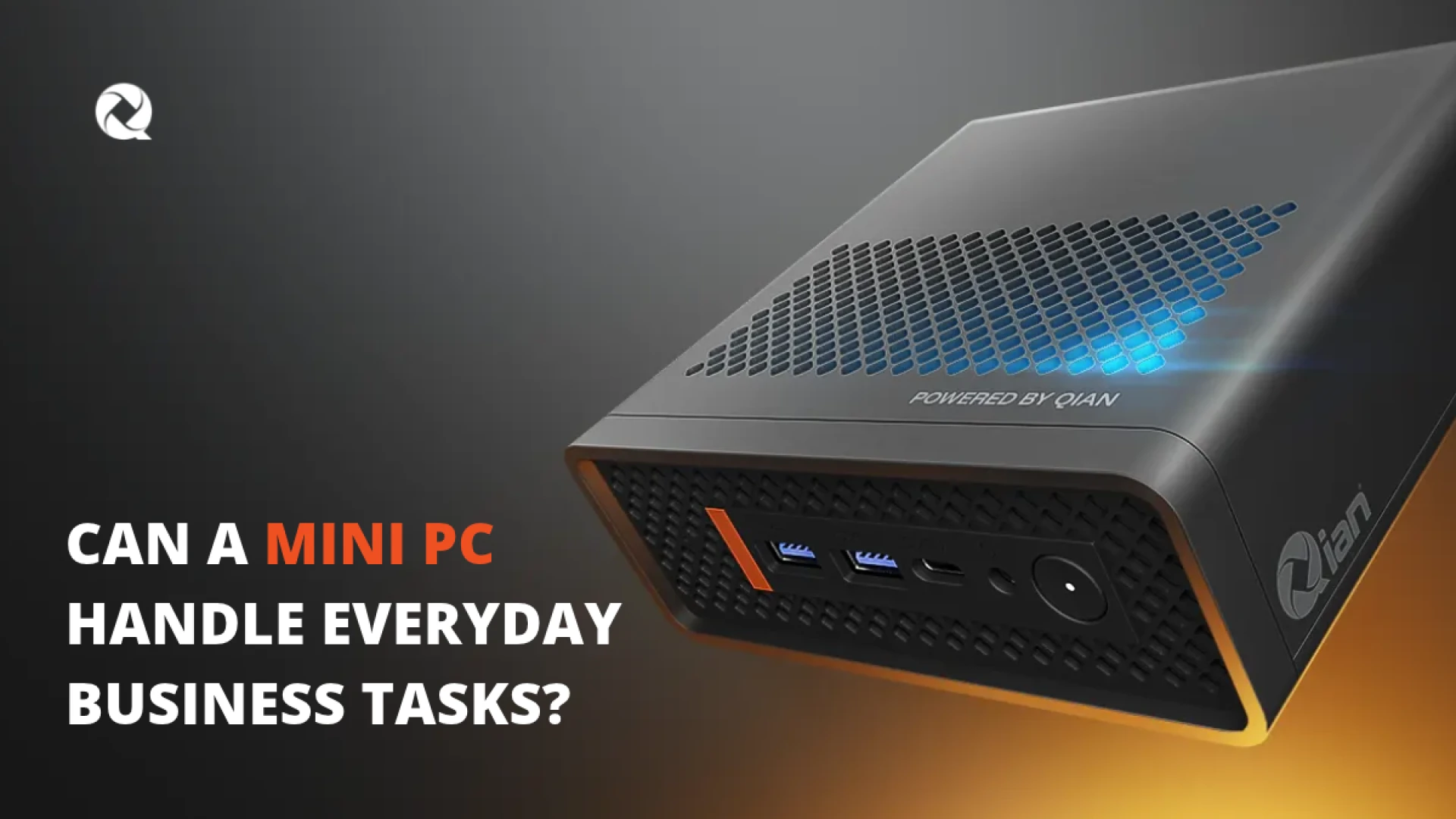
Qian Atlas 5 Mini PC
Powered by Intel Core i5, 16GB DDR4 RAM, 512GB SSD, Wi-Fi 6, and Dual HDMI with VESA mount support—built for compact administrative desks and multi-monitor AI productivity setups.
Frequently Asked Questions
Do small businesses need a special computer to use AI?
No. Most popular AI tools run through web browsers or cloud-based applications. A reliable office PC with a supported operating system, 16GB of RAM for smooth multitasking, and a stable internet connection handles everyday AI workflows easily.
What are the most common ways small businesses use AI in 2026?
Small businesses primarily use AI to draft professional emails, create social media and marketing content, summarize customer feedback and sales data, and organize routine customer service inquiries.
Does using ChatGPT, Google Gemini, or Microsoft Copilot require an AI PC?
No. Cloud-based experiences in ChatGPT, Gemini, and Copilot process workloads on remote servers and do not require a dedicated Neural Processing Unit (NPU). Specialized NPU hardware is only needed for specific on-device AI features.
How can a small business start using AI safely?
Start with one clear workflow—such as drafting emails or summarizing meeting notes—set rules against sharing confidential customer or financial data in prompts, and always have a team member review AI-generated content before publishing.
You may also like
Submit your review
Your email address will not be published. Required fields are marked *
 MONITORS
 KEYBOARDS & MICE
 NETWORKING ACCESSORIES
 POINT OF SALE
 ENERGYS
 PROJECTORS & SCREENS
 SURVEILLANCE
 COMPUTER SYSTEMS