


How to Improve Gaming PC Airflow and Temperatures
by YEYIAN
Are high temperatures affecting your gaming performance? Learn how to optimize your PC's airflow, configure your intake and exhaust fans correctly, and keep your components running cool.
How to Improve Gaming PC Airflow and Temperatures
High temperatures can significantly impact gaming performance, component longevity, and overall system reliability. While modern CPUs and GPUs are designed to operate safely under load, poor airflow can lead to thermal throttling, increased fan noise, and unnecessary stress on critical hardware.
Understanding how to improve gaming PC airflow is one of the most effective ways to maintain consistent performance during demanding gaming sessions. Whether you're running the latest AAA titles or competitive esports games, proper cooling should be a fundamental part of your PC build strategy.
Why Gaming PC Airflow Matters
Airflow is the process of moving cool air into a PC case while exhausting hot air generated by internal components.
As hardware becomes more powerful, thermal output increases. Modern gaming systems featuring high-performance graphics cards and multi-core processors can generate substantial heat during extended workloads. Poor airflow can lead to:
- Higher CPU temperatures
- Increased GPU temperatures
- Thermal throttling
- Reduced component lifespan
- Excessive fan noise
- Lower gaming performance
Good airflow helps maintain stable operating temperatures and ensures components perform as intended.
Understanding Airflow Basics
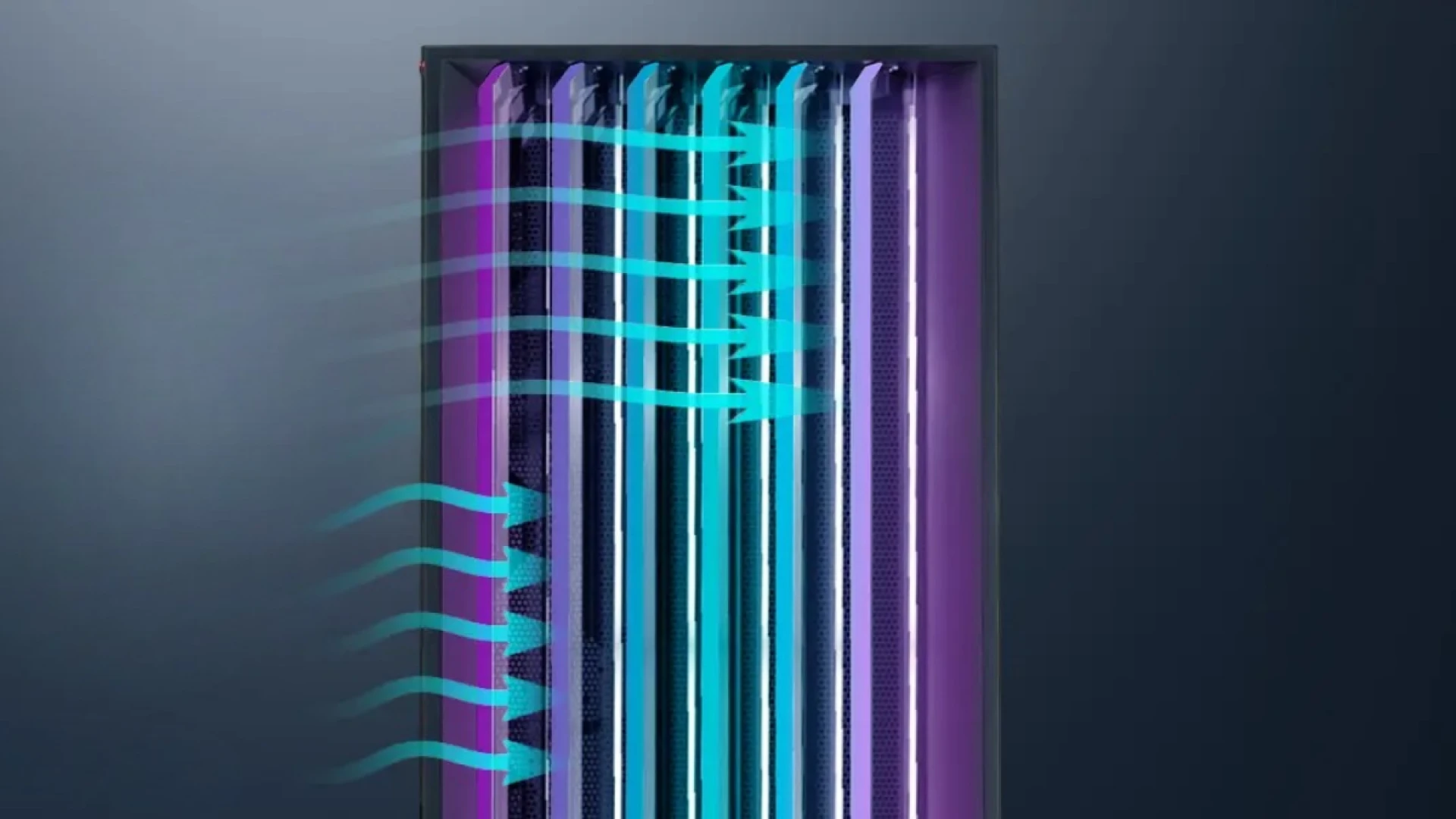
Before making upgrades, it's important to understand how airflow works inside a gaming PC. The goal is simple: bring cool air into the case, push hot air out efficiently, and prevent heat buildup around key components. Most gaming systems achieve this using a combination of intake and exhaust fans.
Intake Fans
Intake fans pull fresh air into the system. They are commonly installed:
- At the front panel
- At the bottom of the case
- Occasionally on the side panel
These fans provide cool air to the graphics card, processor cooler, and motherboard components.
Exhaust Fans
Exhaust fans remove hot air from inside the case. Typical locations include:
- Rear panel
- Top panel
Because heat naturally rises, top-mounted exhaust fans are particularly effective at removing warm air.
Best Fan Configuration for Gaming PCs
One of the most common questions among builders is how many fans are actually needed. For most gaming systems, a balanced airflow configuration works best.
Recommended Setup:
- 2-3 front intake fans
- 1 rear exhaust fan
- 1-3 top exhaust fans
This creates a consistent front-to-back airflow path. A properly balanced configuration reduces heat pockets and improves cooling efficiency throughout the system.
Positive vs. Negative Air Pressure
Air pressure plays an important role in cooling performance.
Positive Air Pressure: Positive pressure occurs when intake fans move slightly more air into the case than exhaust fans remove. Benefits include reduced dust accumulation, more controlled airflow, and easier maintenance. Many builders prefer slight positive pressure for long-term system cleanliness.
Negative Air Pressure: Negative pressure occurs when exhaust fans remove more air than intake fans supply. While this can improve heat extraction in some situations, it often pulls dust into the case through unfiltered openings. For most gaming PCs, positive pressure remains the preferred approach.
Remove Common Airflow Restrictions
Even powerful cooling hardware can struggle if airflow is obstructed. Common restrictions include:
- Dust buildup
- Poor cable management
- Solid front panels
- Overcrowded component layouts
- Blocked ventilation openings
Improving these areas often delivers noticeable temperature reductions without requiring additional hardware.
Cable Management Matters
Loose cables can disrupt airflow paths and create unnecessary turbulence inside the case. Simple improvements include routing cables behind the motherboard tray, using cable ties or Velcro straps, and keeping the area around intake fans clear. Clean cable management improves both airflow and system aesthetics.
Choosing the Right Gaming Case
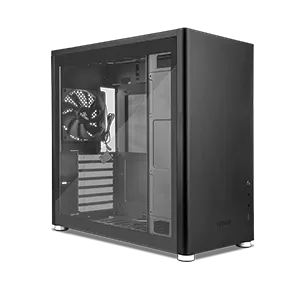
The case itself is one of the most important cooling components. Modern airflow-focused cases prioritize unrestricted ventilation through mesh front panels, large intake openings, multiple fan mounting positions, and improved internal layouts.
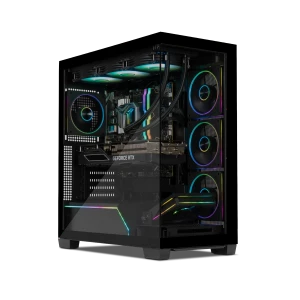
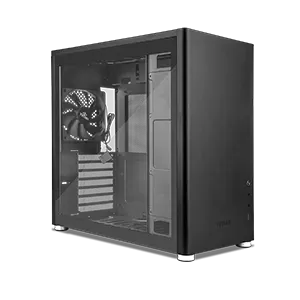
When evaluating a new chassis, look for designs that balance cooling performance with dust filtration. For builders planning upgrades, Yeyian Gaming Cases provide airflow-oriented designs capable of supporting modern gaming hardware.
CPU Cooling Recommendations
The processor is one of the primary heat sources in any gaming PC.
Air Cooling: Modern tower coolers offer excellent reliability, lower maintenance requirements, and strong thermal performance. Many gaming systems can maintain safe temperatures using a quality air cooler.
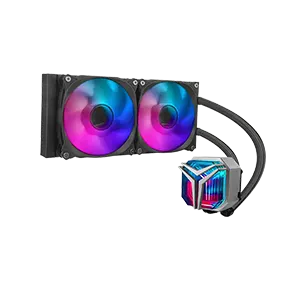
Liquid Cooling: All-in-one (AIO) liquid coolers remain popular for high-end CPUs, overclocked systems, and clean internal aesthetics. Common radiator sizes include 240mm, 280mm, and 360mm. The ideal solution depends on your processor and workload requirements.
How to Lower GPU Temperatures
Graphics cards typically generate more heat than any other component during gaming. To improve GPU cooling:
- Increase fresh air intake.
- Keep front intake fans unobstructed.
- Clean dust filters regularly.
- Maintain adequate clearance beneath the GPU.
- Optimize fan curves.
Modern GPUs benefit significantly from strong front-panel airflow. Systems featuring powerful graphics cards should prioritize airflow-focused case designs.
Gaming PC Maintenance for Long-Term Cooling Performance
Even the best cooling setup requires regular maintenance. Follow this recommended maintenance schedule:
- Monthly: Inspect dust filters, check fan operation, and monitor temperatures.
- Every 3–6 Months: Clean intake filters, remove dust from fans, and inspect cable routing.
- Annually: Deep clean internal components, check thermal paste condition if necessary, and evaluate fan performance.
Consistent maintenance helps preserve cooling efficiency and prevent gradual temperature increases over time.
Temperature Ranges for Modern Gaming PCs
| Component | Typical Gaming Temperature |
|---|---|
| CPU | 60°C – 85°C |
| GPU | 60°C – 80°C |
| SSD | 35°C – 70°C |
| Motherboard | 30°C – 60°C |
Note: Short spikes above these ranges may occur during heavy workloads, but consistently high temperatures can indicate airflow problems.
Maintaining proper airflow is one of the most effective ways to improve gaming performance, reduce temperatures, and protect your hardware investment over time. A balanced fan configuration, clean internal layout, regular maintenance routine, and airflow-focused case can make a significant difference in overall system health.
Looking to build a cooler, more efficient gaming system? Explore Yeyian Gaming's selection of gaming PCs, airflow-focused cases, and performance hardware designed to keep temperatures under control while delivering reliable gaming performance.
How Yeyian Gaming Supports Better Cooling Performance
Effective airflow starts with quality hardware and proper system design. Yeyian Gaming offers hardware designed to support modern cooling requirements, including airflow-focused gaming cases, high-performance gaming PCs, upgrade-friendly internal layouts, and hardware configurations built for demanding gaming workloads.
Builders looking to improve thermals while maintaining strong gaming performance can explore Yeyian Gaming PCs, Gaming Cases, and Gaming Hardware when planning their next upgrade.
FAQ: Gaming PC Airflow and Cooling
How can I improve airflow in my gaming PC?
Improve airflow by using front intake fans, rear and top exhaust fans, maintaining clean dust filters, organizing cables, and choosing a case designed for unrestricted ventilation.
What is the best fan setup for a gaming PC?
A common recommendation is two or three front intake fans combined with one rear exhaust fan and one or more top exhaust fans to create balanced airflow.
Does cable management improve PC temperatures?
Yes. Proper cable management reduces airflow obstruction, allowing cool air to move more efficiently through the case and reach critical components.
What temperature should a gaming PC run at while gaming?
Most gaming systems operate safely with CPU temperatures between 60°C and 85°C and GPU temperatures between 60°C and 80°C during demanding gaming sessions.
Submit your review
Your email address will not be published. Required fields are marked *
 GAMING PCs
 MONITORS
 AUDIO
AUDIO
 COMPUTER CASES
 POWER SUPPLIES
 KEYBOARDS & MICE
 FURNITURE
 FANS & PC COOLING
 STREAMING GEAR