


Best Gaming Desk Setup Ideas for Competitive Players
by YEYIAN
Looking to build the ultimate competitive battlestation? Discover the best gaming desk setup ideas, from monitor positioning and ergonomics to cable management, designed to maximize your reaction time and comfort.
Best Gaming Desk Setup Ideas for Competitive Players
A high-performance gaming desk setup is more than a collection of hardware. For competitive players, every component placement, monitor angle, and ergonomic adjustment can influence comfort, focus, and in-game performance. As esports continues to grow, gaming desk configurations are evolving toward setups that prioritize both physical endurance and competitive efficiency.
Today's top setups combine ergonomic design, high-end hardware, organized cable management, and aesthetics that support concentration. Whether you're building a dedicated esports station or upgrading your current battlestation, understanding the latest setup trends can help create an environment optimized for winning.
Gaming Desk Setup Fundamentals
The most effective gaming spaces are designed around minimizing physical strain while maximizing visibility, precision, and consistency. Professional esports players focus on three key factors: Ergonomics, hardware positioning, and desk organization. A properly configured desk reduces fatigue during long sessions while ensuring every movement remains efficient and repeatable.
Why Desk Layout Matters
Competitive gaming requires thousands of repetitive actions per match. Poor positioning can lead to:
- Wrist discomfort
- Shoulder fatigue
- Neck strain
- Reduced reaction consistency
- Loss of focus during extended sessions
Key Components of a Modern Competitive Setup
Essential components for a performance-focused battlestation include:
- Height-adjustable gaming desk
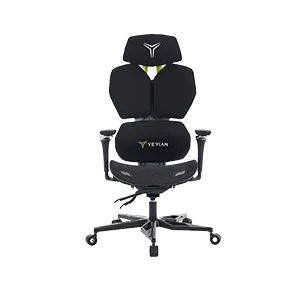
- Ergonomic gaming chair with lumbar support
- 240Hz or 360Hz gaming monitor
- Large mouse pad with consistent tracking surface
- Mechanical keyboard with compact (TKL/60%) layout
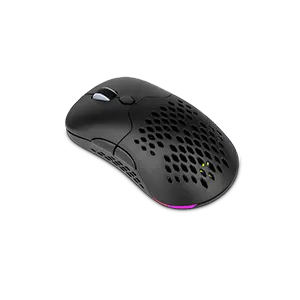
- Lightweight gaming mouse
- Monitor arm for precise positioning
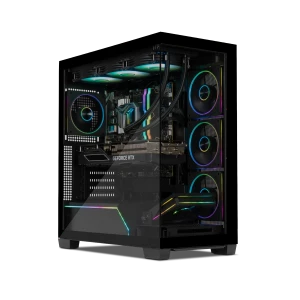
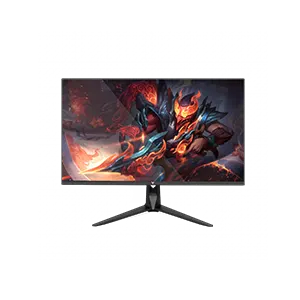
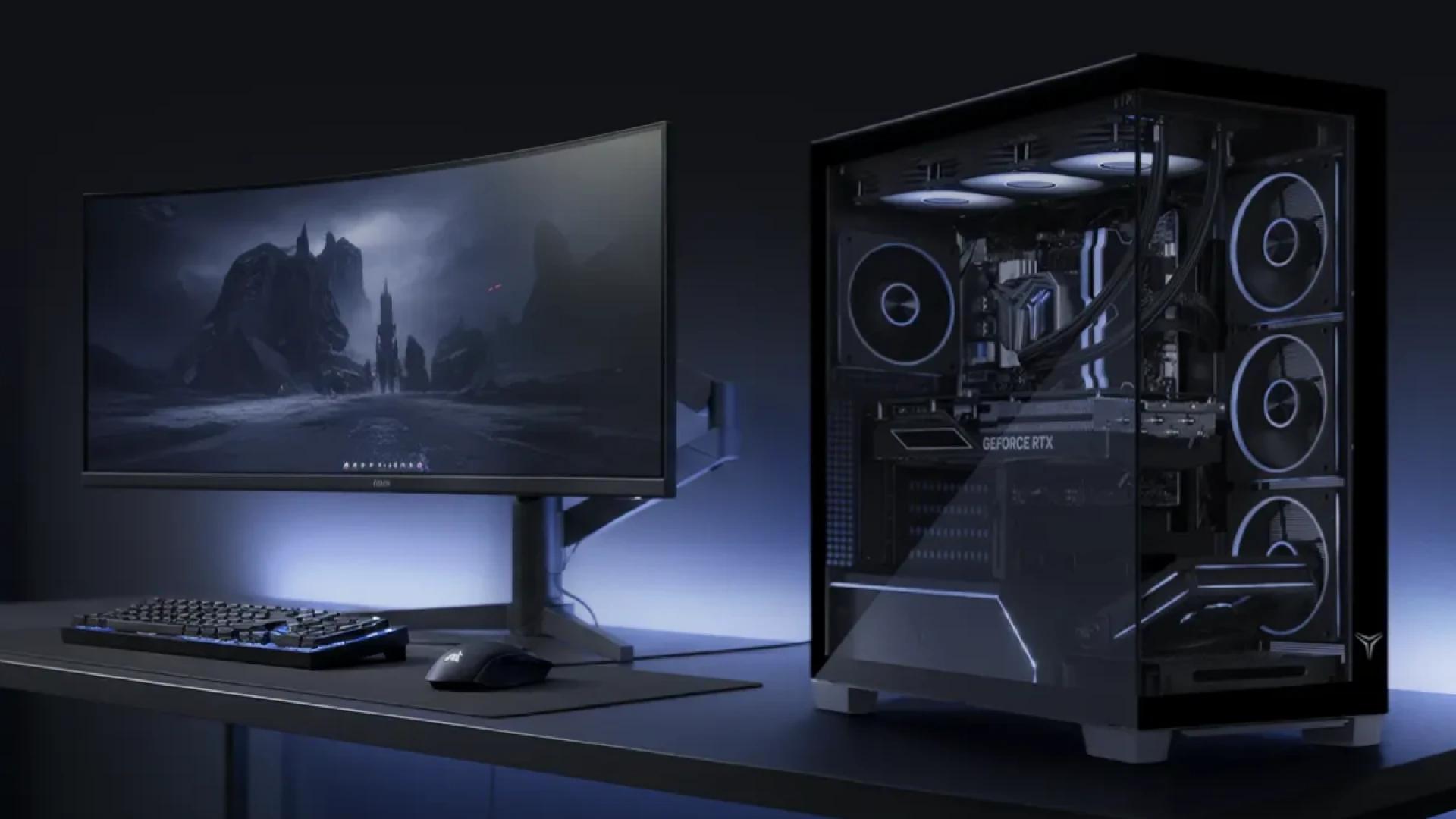
Many competitive players pair these components with Yeyian Gaming PCs and Yeyian Gaming Monitors to create a pro-level environment.
Ergonomic Configurations
Monitor Placement
Position your display at eye level, approximately 20–30 inches from your face, slightly tilted upward, and perfectly centered with your seating position. For FPS titles, a 24.5-inch or 27-inch display at 240Hz+ is the gold standard.
Keyboard and Mouse
Competitive players often angle their keyboards between 10 and 30 degrees to create more room for mouse movement and improve wrist alignment. Pair this with a low DPI setting on your mouse and a large desk mat to ensure consistent aiming precision.
Trending Esports Desk Layouts in 2026
- Minimalist Tournament Layout: The standard for pros. Single monitor, minimal accessories, and maximum mouse space.
- Dual-Monitor Competitive: Primary monitor centered, secondary monitor vertically mounted for Discord and streaming analytics.
- Ergonomic Hybrid: Designed for those who work and game. Uses wireless peripherals and monitor arms for flexibility.
- Streamer-Focused: Integrates audio interfaces, stream controllers, and dedicated lighting systems.
Competitive vs. Casual Setup
| Feature | Esports Layout | Casual Setup |
|---|---|---|
| Monitor Position | Eye-level & Centered | Variable |
| Keyboard Placement | Angled for efficiency | Flat |
| Mouse Space | Maximized | Limited |
| Cable Management | Hidden & Organized | Frequently exposed |
How Yeyian Gaming Supports Competitive Builds
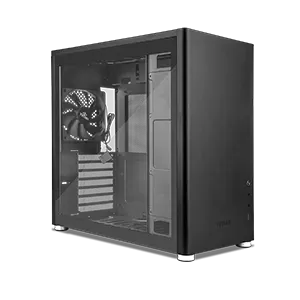
Building an effective gaming environment starts with selecting hardware designed for performance. Yeyian Gaming offers products that align with competitive requirements, including high-performance gaming PCs, airflow-focused cases, and high-refresh-rate monitors.
Builders seeking to balance performance and aesthetics should explore Yeyian Gaming Cases and Gaming Components.
FAQ: Competitive Gaming Desk Setups
What is the best gaming desk setup for FPS players?
The ideal FPS setup includes a high-refresh-rate monitor (240Hz+), a large mouse pad, a compact keyboard, and optimal monitor positioning to support low-sensitivity aiming.
How should a monitor be positioned for competitive gaming?
The monitor should be centered directly in front of the player, at eye level, and placed approximately 20–30 inches away.
Is a dual-monitor setup good for competitive gaming?
Yes, it improves workflow by keeping communication and analytics on a secondary screen without distracting from the primary gameplay.
How important is ergonomics?
It is critical for long sessions. Proper seating and equipment positioning reduce fatigue and help maintain consistent gameplay.
Submit your review
Your email address will not be published. Required fields are marked *
 GAMING PCs
 MONITORS
 AUDIO
AUDIO
 COMPUTER CASES
 POWER SUPPLIES
 KEYBOARDS & MICE
 FURNITURE
 FANS & PC COOLING
 STREAMING GEAR