


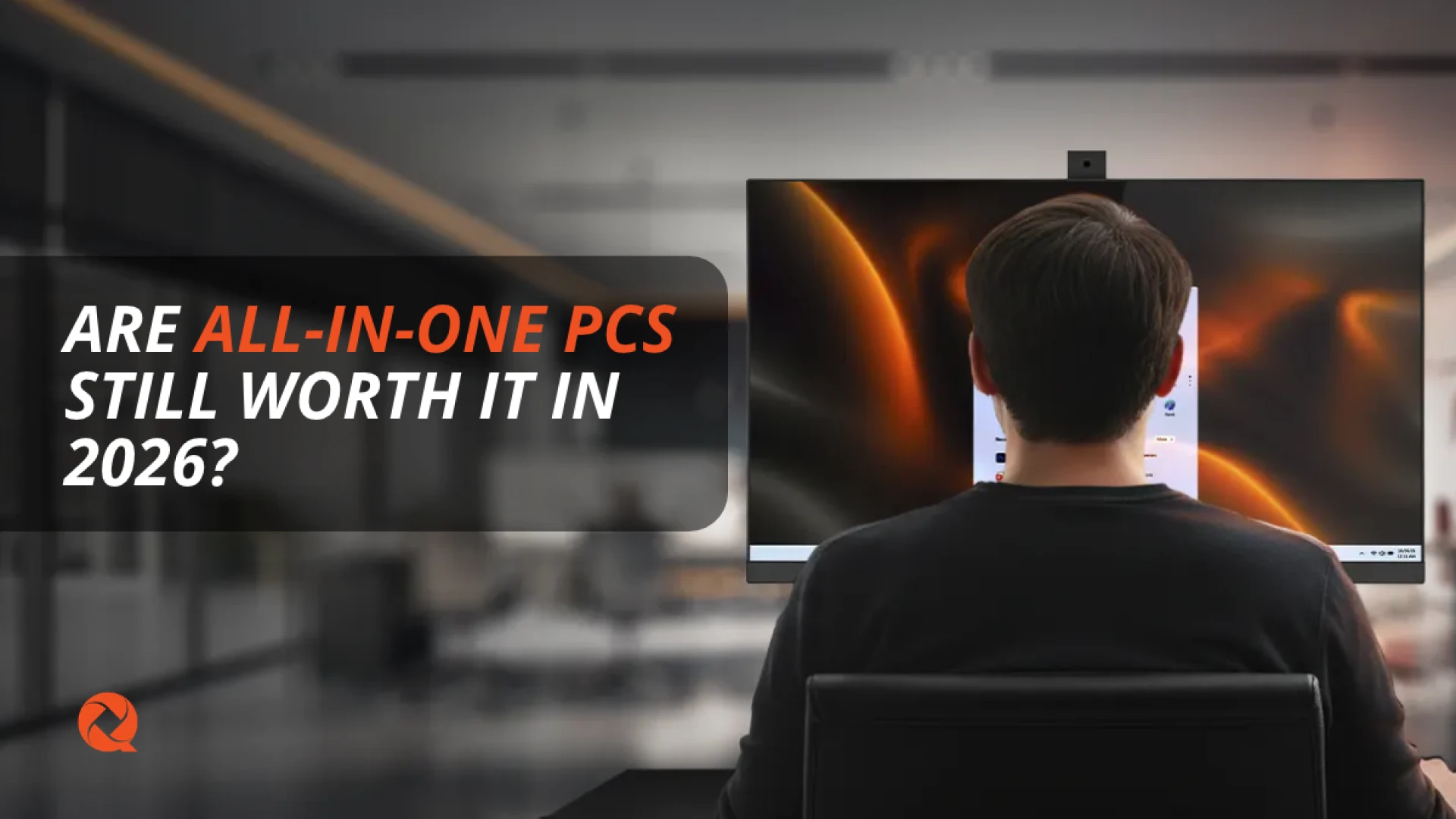
Are All-in-One PCs Still Worth It in 2026?
by Qian
Discover why All-in-One PCs remain a smart choice for offices and workspaces in 2026. Explore the space-saving design and performance of the Qian Helios27 AIO.
Are All-in-One PCs still relevant in 2026? This article explores how AIO computers help reduce clutter, save desk space, and simplify workplace setup, and looks at how the Qian Helios27 delivers practical performance for modern offices.
Are All-in-One PCs Still Worth It in 2026?
Between laptops, traditional desktop towers, and Mini PCs, professionals and businesses have more options than ever when configuring a workspace. So, are All-in-One PCs still worth it in 2026? For many home offices, small businesses, reception desks, classrooms, and everyday users, the answer remains a confident yes.
An All-in-One (AIO) PC integrates the computer system and display into a single unit, minimizing cable clutter and maximizing desk space. Recent purchasing trends continue to highlight AIO computers as a streamlined, practical alternative for anyone prioritizing a clean and efficient workspace.
What Is an All-in-One PC?
An All-in-One PC houses its core computer components directly behind the monitor panel rather than inside a separate desktop tower. This means you do not need to find floor or desk space for an external chassis, and the display and computer are pre-configured to work in perfect harmony.
For commercial environments and home setups, deployment becomes remarkably straightforward: connect your keyboard and mouse, plug in the power cable, and you are ready to work.
Key Benefits of All-in-One PCs
AIO computers continue to hold a strong position in office environments due to three major advantages:
- Space Saving: By merging hardware into the display housing, desks remain clean and uncluttered—ideal for tight office layouts, reception areas, and shared workstations.
- Simplified Setup: Fewer cables and components mean faster deployment when outfitting new workstations or onboarding staff members.
- Expanded Screen Real Estate: Unlike laptops, an AIO provides a large, fixed display tailored for comfortable multitasking across documents, spreadsheets, and video calls.
All-in-One vs. Traditional Desktop Tower
Choosing between an AIO and a tower comes down to evaluating your long-term hardware priorities:
| Feature | All-in-One (AIO) PC | Traditional Desktop Tower |
|---|---|---|
| Design & Footprint | Integrated monitor and hardware; minimal desk footprint | Separate tower chassis requiring dedicated floor/desk space |
| Upgradability | Streamlined configuration built for stable daily output | High flexibility to swap parts and add dedicated graphics |
| Ideal Use Case | Productivity, offices, customer service, and clean desks | Heavy gaming, custom server roles, and extreme workloads |
Meet the Qian Helios27 All-in-One
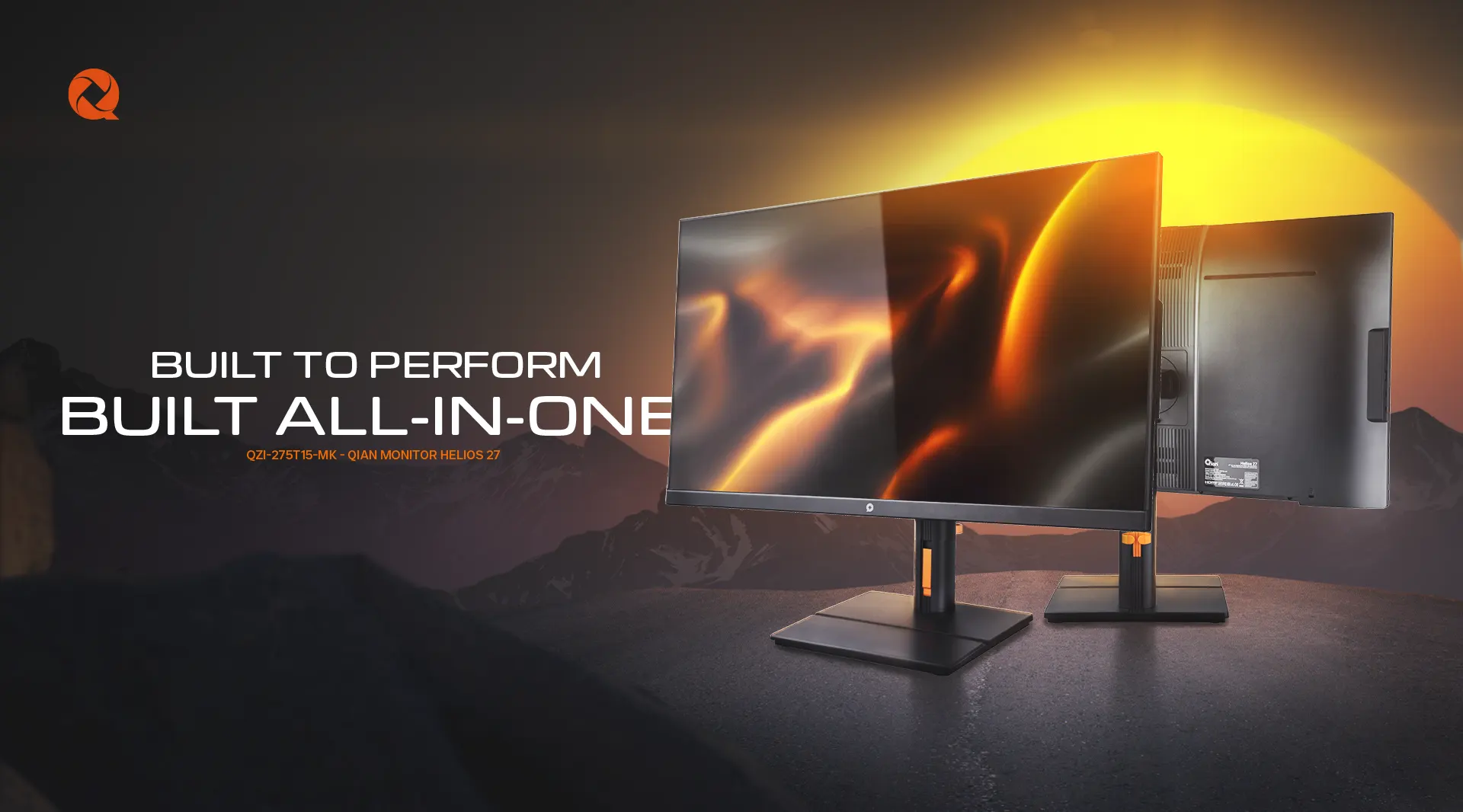
Engineered for offices and modern workspaces, the Qian Helios27 All-in-One PC (QZI-275T15-MK) combines a vibrant 27-inch Full HD display with dependable computing hardware, removing the need for an external tower.
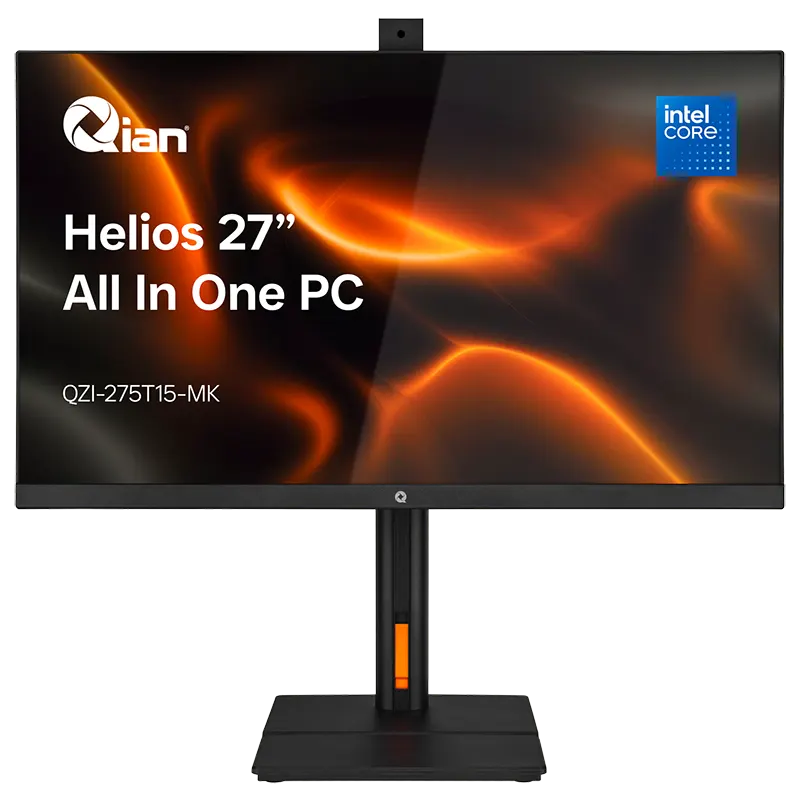
Qian Helios27 All-in-One PC (QZI-275T15-MK)
Features a 27" Full HD display, Intel Core i5-1135G7 processor, 16GB DDR4 RAM, 512GB NVMe SSD, Wi-Fi 6, integrated 5MP webcam, and VESA mounting support. Built for high-efficiency office productivity.
Explore the Qian Helios27 AIO →Are All-in-One PCs Right for Your Business?
AIO computers excel in environments where organization and efficiency matter most. Reception desks, customer support counters, corporate administrative offices, and educational setups benefit immensely from eliminating extra boxes and tangled wiring.
If your daily operations revolve around multi-tab browsing, document management, secure video conferencing, and general administrative workloads, an All-in-One system provides a clean, professional solution.
Frequently Asked Questions (FAQ)
Are All-in-One PCs good for office productivity?
Yes. With specifications like an Intel Core i5 processor, 16GB of RAM, and fast NVMe storage, modern AIOs handle office apps, video calls, and multitasking smoothly.
Do All-in-One PCs save desk space?
Absolutely. Because the computer hardware is built directly into the display monitor, there is no need for a separate desktop tower, resulting in a clean and organized workspace.
Can the Qian Helios27 be mounted on a wall or arm?
Yes, the Qian Helios27 supports VESA mounting, giving businesses flexible installation options for custom workstations and customer-facing desks.
Who should choose an AIO over a traditional desktop?
Choose an All-in-One if you prioritize a clean desk layout, simplified deployment, and an integrated large display for day-to-day business tasks.
Upgrade Your Workspace With Qian
Discover the performance and clean design of the Qian Helios27 All-in-One PC today.
Explore the Qian Helios27 AIOSubmit your review
Your email address will not be published. Required fields are marked *
 GAMING PCs
 MONITORS
 AUDIO
AUDIO
 COMPUTER CASES
 POWER SUPPLIES
 KEYBOARDS & MICE
 FURNITURE
 FANS & PC COOLING
 STREAMING GEAR