




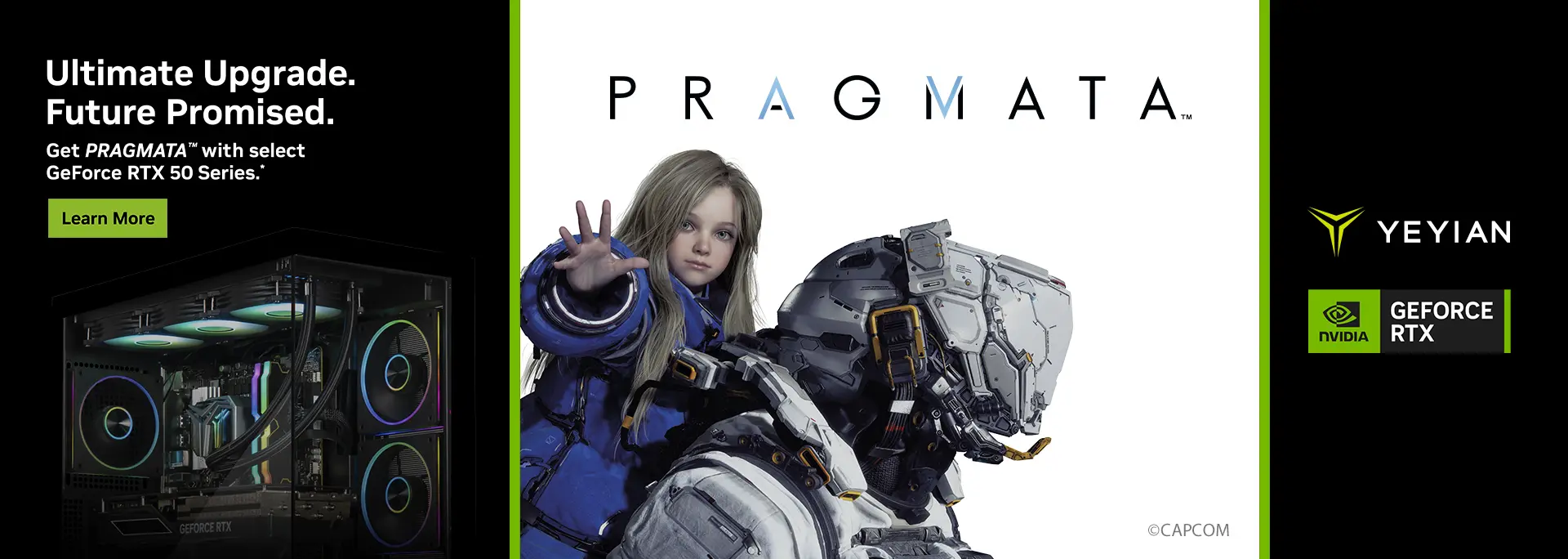
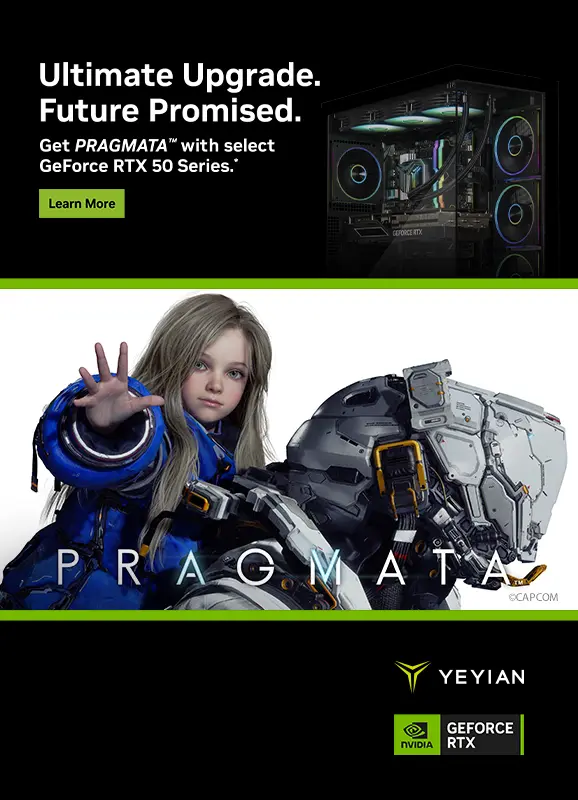
Experience an all-new Sci-Fi adventure with its own unique hacking twist. Set in the near future, protagonists Hugh and his android companion, Diana, must work together as they make their way through a desolate lunar research station. Get the ultimate upgrade with GeForce RTX 50 Series, for the ultimate PC gaming experience. Hack and fight your way through immersive environments, enhanced by realistic, path-traced visuals and AI-powered NVIDIA DLSS 4** with Multi Frame Generation.
For a limited time, get PRAGMATA™ with the purchase of a qualifying NVIDIA GeForce RTX™ 5090, 5080, 5070 Ti, 5070 desktop system or graphics card, or laptop with a GeForce RTX 5090 Laptop GPU, RTX 5080 Laptop GPU, RTX 5070 Ti Laptop GPU, or RTX 5070 Laptop GPU.
Experience PRAGMATA with
GeForce RTX 50 Series
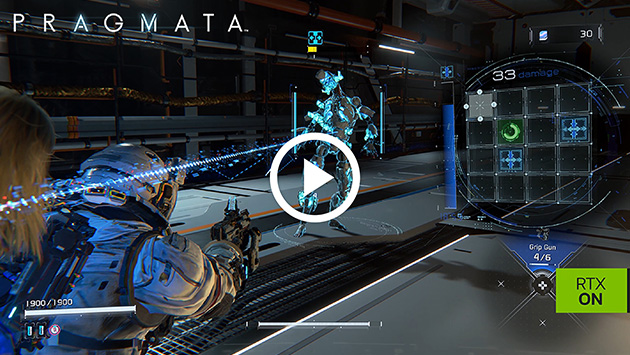
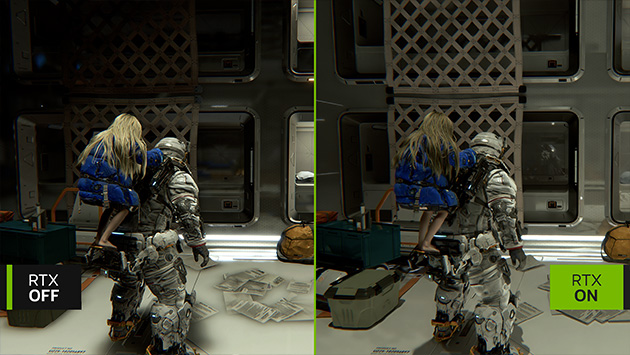
Path Tracing With Neural Rendering
Lunar Clarity
Experience the world of PRAGMATA with path tracing for game-changing realism powered by GeForce RTX 50 Series, delivering physically accurate shadows, reflections, and global illumination.
NVIDIA DLSS 4
Supreme Speed. Superior Visuals. Powered by AI.
Powered by GeForce RTX 50 Series, DLSS 4 with Multi Frame Generation boosts FPS, reduces latency, and improves image quality, enhancing your PRAGMATA experience.
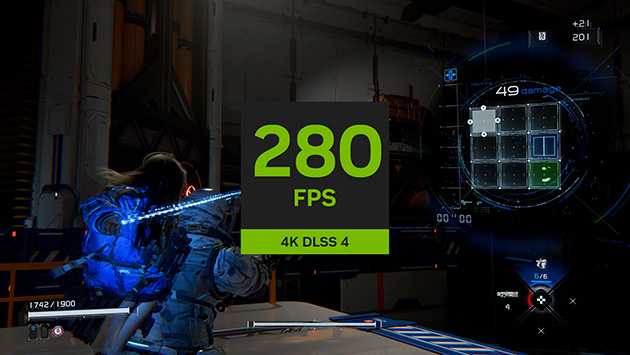
*Captured with GeForce RTX 5090 at 3840 x 2160 resolution, highest game settings, pre-release build.
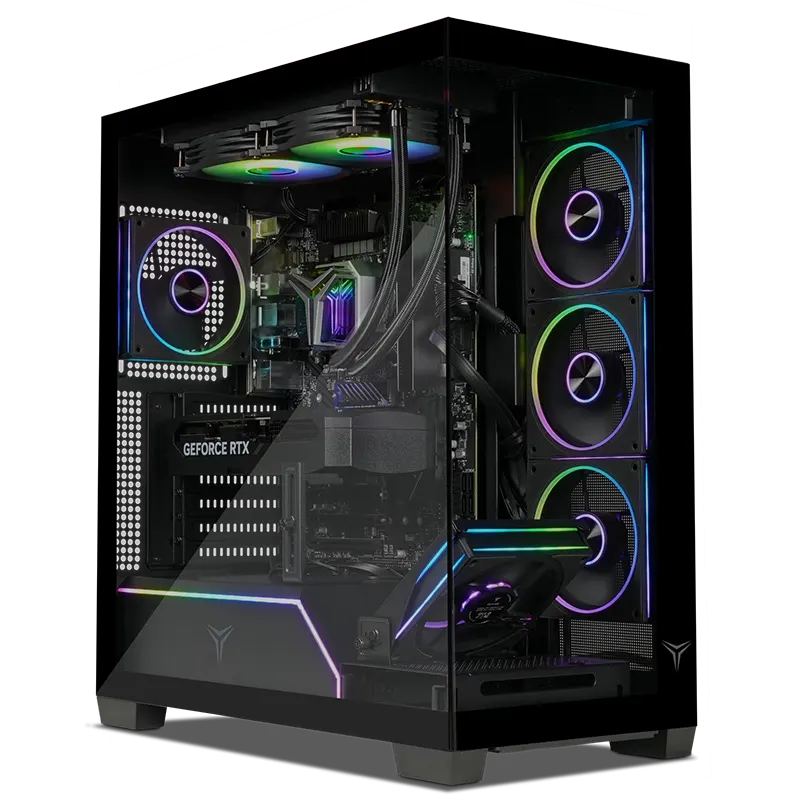

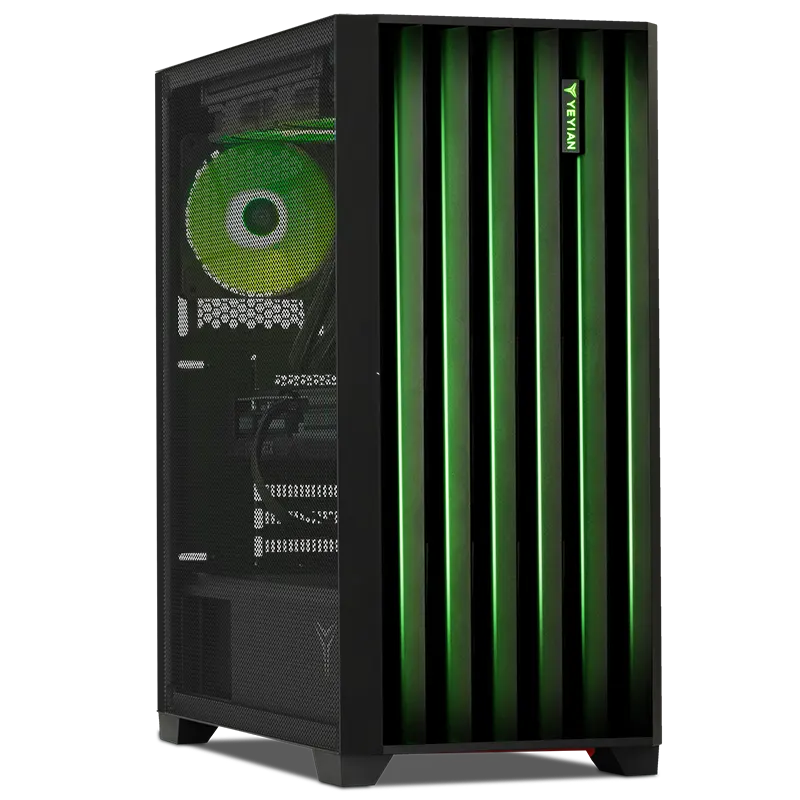
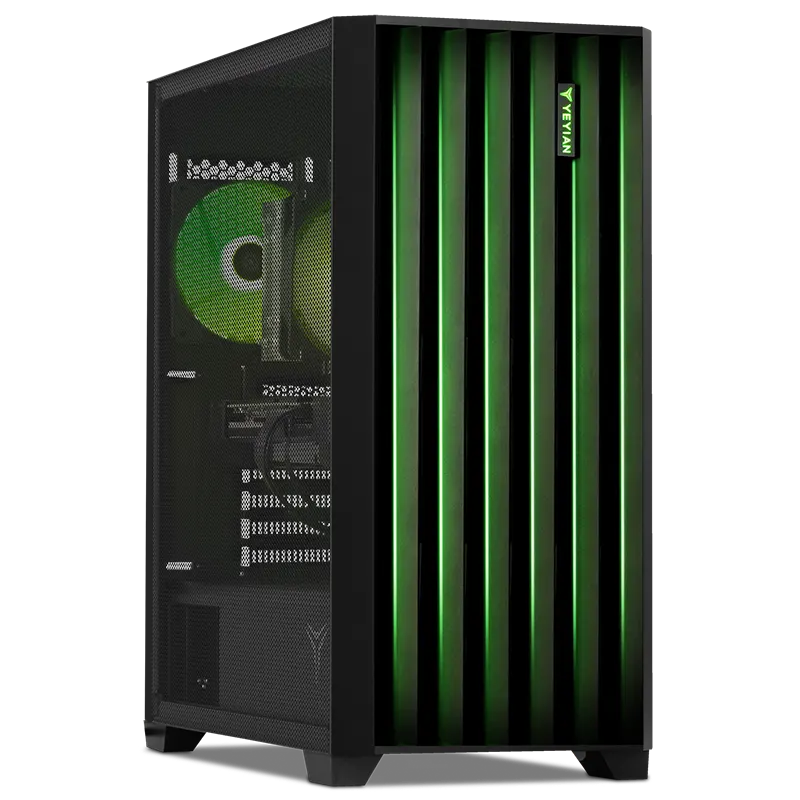
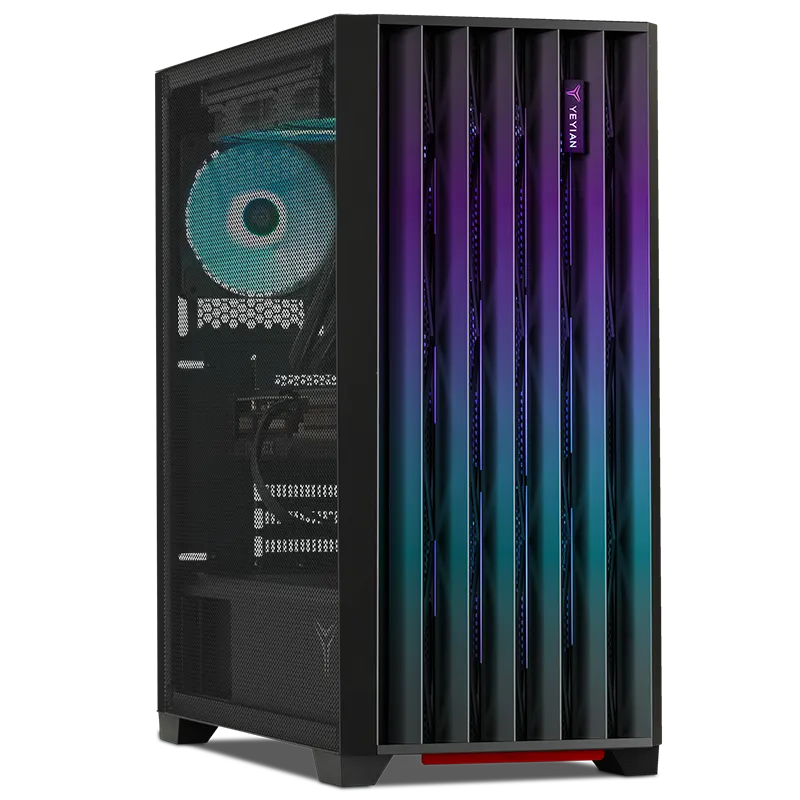





To redeem your promotional code for PRAGMATA™ Standard Edition you must have a NVIDIA app and a Steam account. Please follow the steps below:
- Install your qualified graphics card.
- Update or install the latest version of the NVIDIA app.
- Open and log in to the NVIDIA app.
- Go to “REDEEM”.
- Enter your bundle code from your qualifying bundle purchase.
- Follow the remaining instructions on screen to sign in through your Steam account.
- Select “REDEEM” to redeem PRAGMATA™ Standard Edition to your Steam account.
- LAUNCH Steam to begin installation.
- For troubleshooting help, please visit our FAQ here. If you’re still experiencing problems please contact our customer support team.
©CAPCOM
© 2026 NVIDIA Corporation. All rights reserved. NVIDIA, the NVIDIA logo, and GeForce RTX are trademarks and/or registered trademarks of NVIDIA Corporation in the U.S. and other countries. Other company and product names may be trademarks of the respective companies with which they are associated.
 GAMING PCs
 MONITORS
 AUDIO
AUDIO
 COMPUTER CASES
 POWER SUPPLIES
 KEYBOARDS & MICE
 FURNITURE
 FANS & PC COOLING
 STREAMING GEAR