


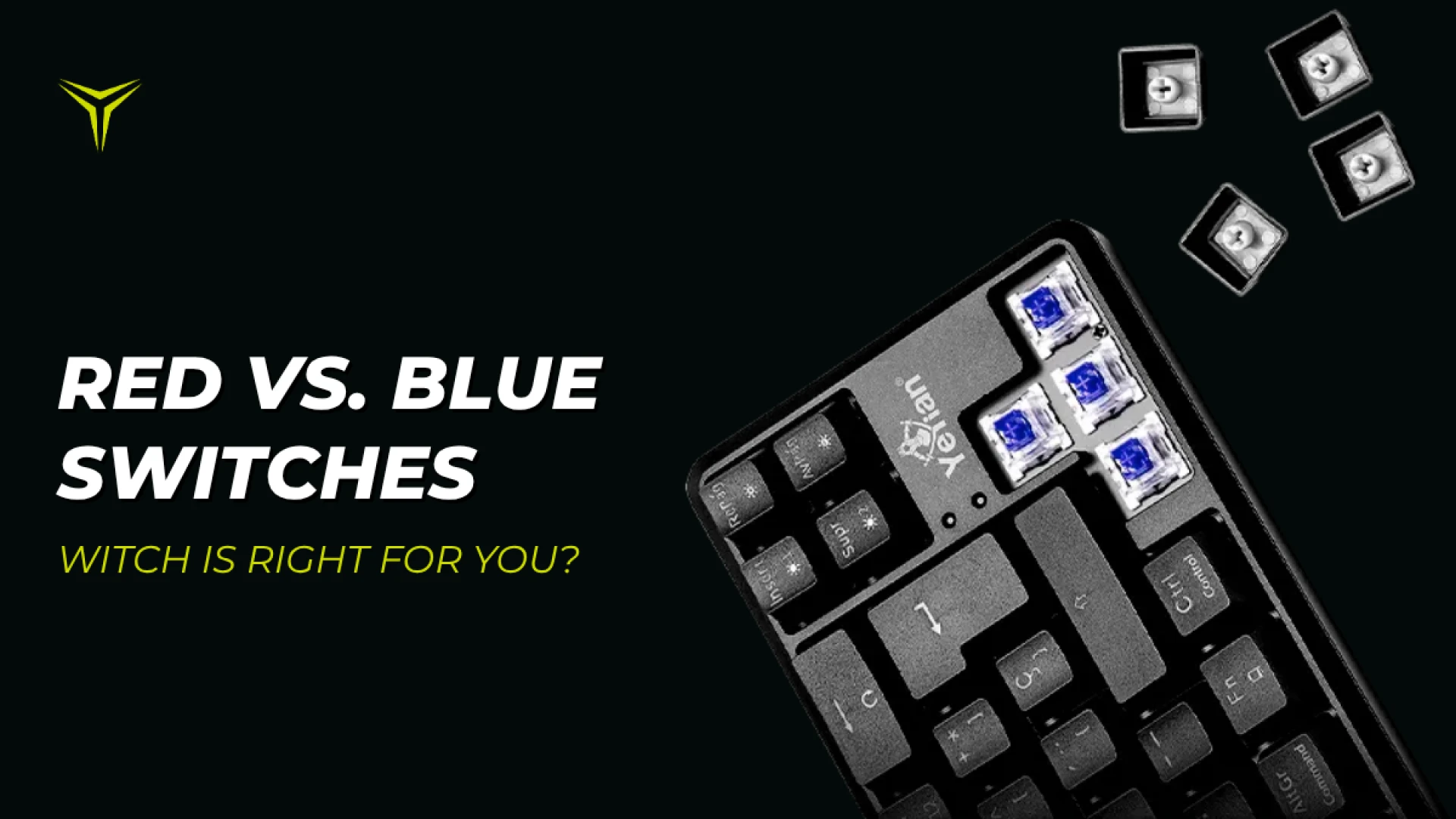
Red vs. Blue Switches: Which Mechanical Keyboard Switch Is Right for You?
by YEYIAN
Compare Red and Blue mechanical keyboard switches. Learn the differences in feel, sound, and gaming performance to choose the best option for your setup.
Red vs. Blue Switches: Which Mechanical Keyboard Switch Is Right for You?
Among the most recognizable options are Red and Blue switches. While both can be used for gaming, they offer noticeably different experiences when it comes to feel, sound, and responsiveness.
So, when it comes to Red vs. Blue switches, which one is right for you?
The answer depends on how you play, type, and use your keyboard. Here's what you need to know before choosing your next mechanical gaming keyboard.
What Are Mechanical Keyboard Switches?
Mechanical switches are the components underneath each key that register your keystrokes. Unlike membrane keyboards, mechanical keyboards use individual switches for each key, giving you a more defined and consistent typing experience.
The type of switch affects several aspects of a keyboard, including:
- How smooth each keystroke feels.
- How much feedback you get when pressing a key.
- How loud the keyboard sounds.
- How much force is needed to press a key.
- How the keyboard feels during gaming and typing.
Red and Blue switches are two of the most familiar switch options, but they represent very different approaches to the mechanical keyboard experience.
Red vs. Blue Switches: What's the Difference?
The simplest way to understand the difference is this: Red switches are generally linear, while Blue switches are clicky and tactile.
A linear switch provides a smooth, uninterrupted keypress. A clicky switch provides noticeable tactile feedback and an audible click as you press the key.
| Feature | Red Switches | Blue Switches |
|---|---|---|
| Switch Type | Linear | Clicky / Tactile |
| Key Feel | Smooth | Tactile and pronounced bump |
| Audible Feedback | Lower (Quieter) | Higher (Distinct click) |
| Best Suited For | Gaming, fast repeated inputs, FPS | Typing, feedback-focused users |
Red Switches: Smooth and Linear
Red switches are known for their linear feel. When you press a key, the switch moves smoothly through its travel without a pronounced tactile bump, making them popular among gamers who want consistent feel during repeated inputs.
If you play competitive FPS games or prefer a smooth keypress, Red switches are an excellent choice. However, switch preference is personal; some players prefer the physical feedback of a Blue switch.
The best gaming keyboard switch is ultimately the one that fits your play style.
Blue Switches: Tactile and Clicky
Blue switches take a very different approach. Instead of an uninterrupted keypress, they provide tactile feedback and an audible click. You can feel a distinct point in the keypress, making each input more noticeable.
They are ideal if you spend a lot of time typing or enjoy a more tactile experience. While they work well for casual gaming, RPGs, and strategy games, players focused on extremely fast competitive inputs often lean toward linear switches.
If you love the classic mechanical sound and clear feedback, Blue switches deliver.
| Use Case | Red Switches Performance | Blue Switches Performance |
|---|---|---|
| Competitive Gaming (FPS) | Excellent for fast, repeated movement inputs. | Good, though click mechanism adds resistance. |
| Casual / RPG / Strategy | Smooth and reliable. | Great for players enjoying tactile confirmation. |
| Typing & Writing | Consistent and quiet. | Extremely satisfying and deliberate. |
| Noise Environment | Quieter, ideal for shared spaces. | Louder, distinct acoustic profile. |
Other Features to Consider in a Mechanical Gaming Keyboard
Switches are essential, but remember to evaluate additional hardware features before buying:
- Keyboard Layout: Full-size, TKL (Tenkeyless), and compact designs to optimize desk space.
- Anti-Ghosting & N-Key Rollover: Ensures accurate registration during complex key combinations.
- RGB Lighting: Per-key customization to match your desktop aesthetic.
- Wireless Connectivity: Reduces cable clutter and gives flexibility to minimalist setups.
Yeyian Mechanical Keyboards: Red and Blue Switch Options
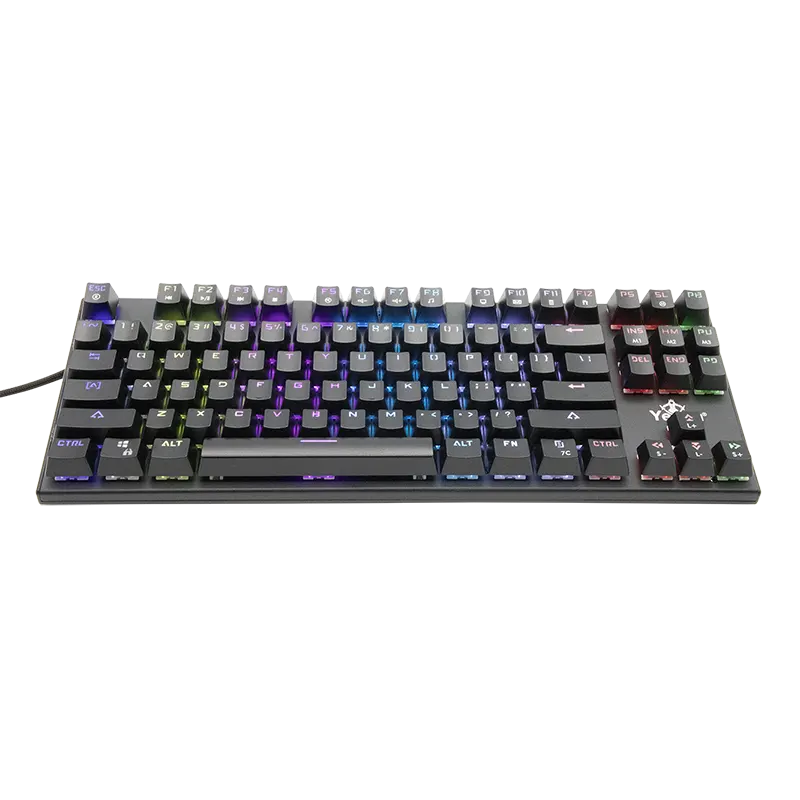
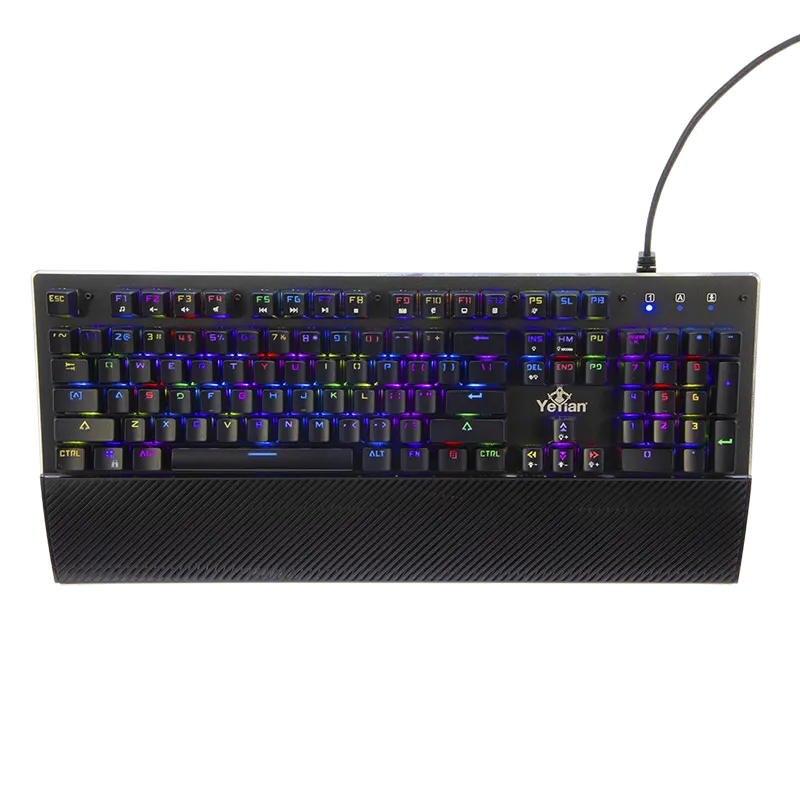
Yeyian offers a complete lineup of mechanical gaming keyboards featuring compact layouts, TKL designs, per-key RGB lighting, Anti-Ghosting, and N-Key Rollover. Important note: all Yeyian keyboard models are available in both Red (linear) and Blue (clicky) switch versions, allowing you to choose the exact feel that matches your play style.
Explore featured Yeyian mechanical keyboards:
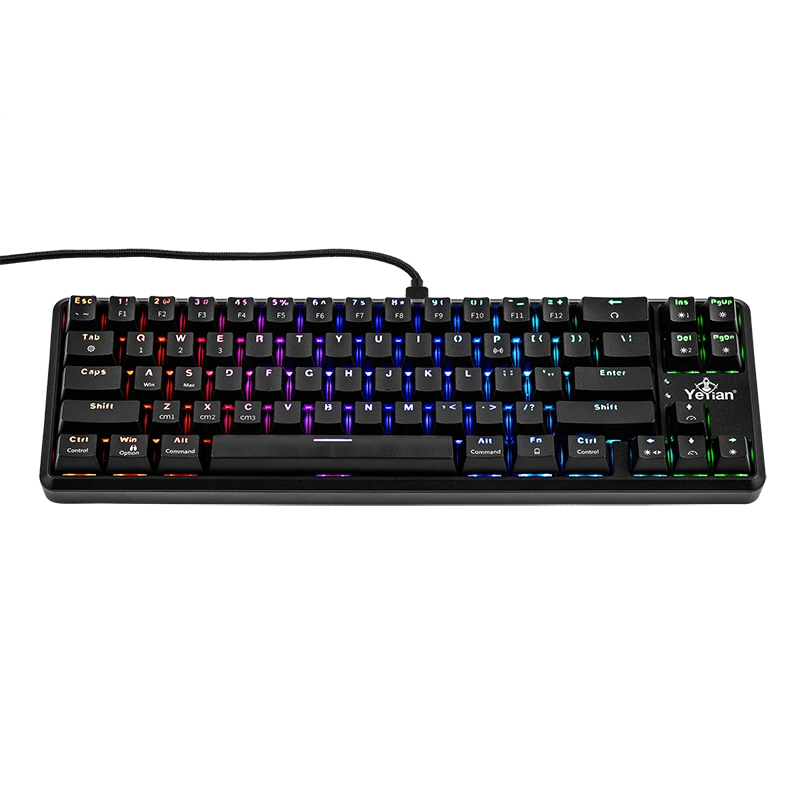
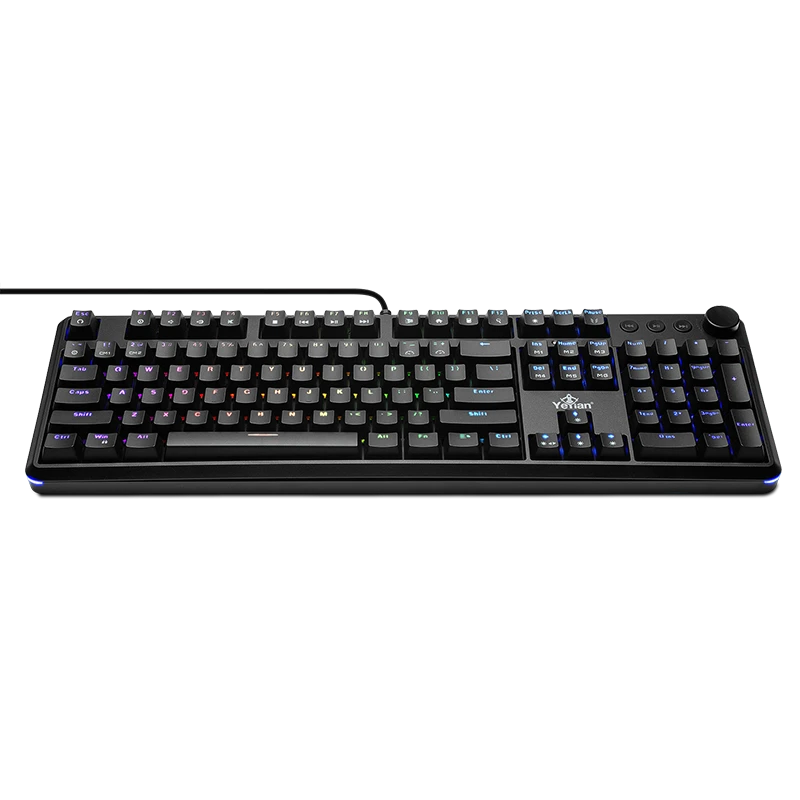
The Best Mechanical Keyboard Switch Is the One That Fits You
Red vs. Blue switches aren't about finding a universal winner; they are about choosing between two distinct mechanical keyboard experiences. Red switches offer smooth, linear performance ideal for fast inputs, while Blue switches provide tactile feedback and audible confirmation.
Because you use your keyboard every day, how it feels matters just as much as the specs. Choose the switch type that complements your gaming and typing habits.
Frequently Asked Questions
Are Red or Blue switches better for gaming?
Red switches are often preferred for rapid inputs in competitive gaming, but Blue switches work great if you prefer tactile and audible feedback.
Are Red switches quieter than Blue switches?
Yes. Red switches lack the click mechanism found in Blue switches, making them the quieter choice for shared or office environments.
What is the difference between Red and Blue switches?
Red switches are linear and smooth; Blue switches are clicky and tactile, featuring a noticeable bump and acoustic click.
Do Yeyian keyboards come in both switch options?
Yes! All Yeyian mechanical keyboard models are available in both Red and Blue switch configurations.
Submit your review
Your email address will not be published. Required fields are marked *
 GAMING PCs
 MONITORS
 AUDIO
AUDIO
 COMPUTER CASES
 POWER SUPPLIES
 KEYBOARDS & MICE
 FURNITURE
 FANS & PC COOLING
 STREAMING GEAR