


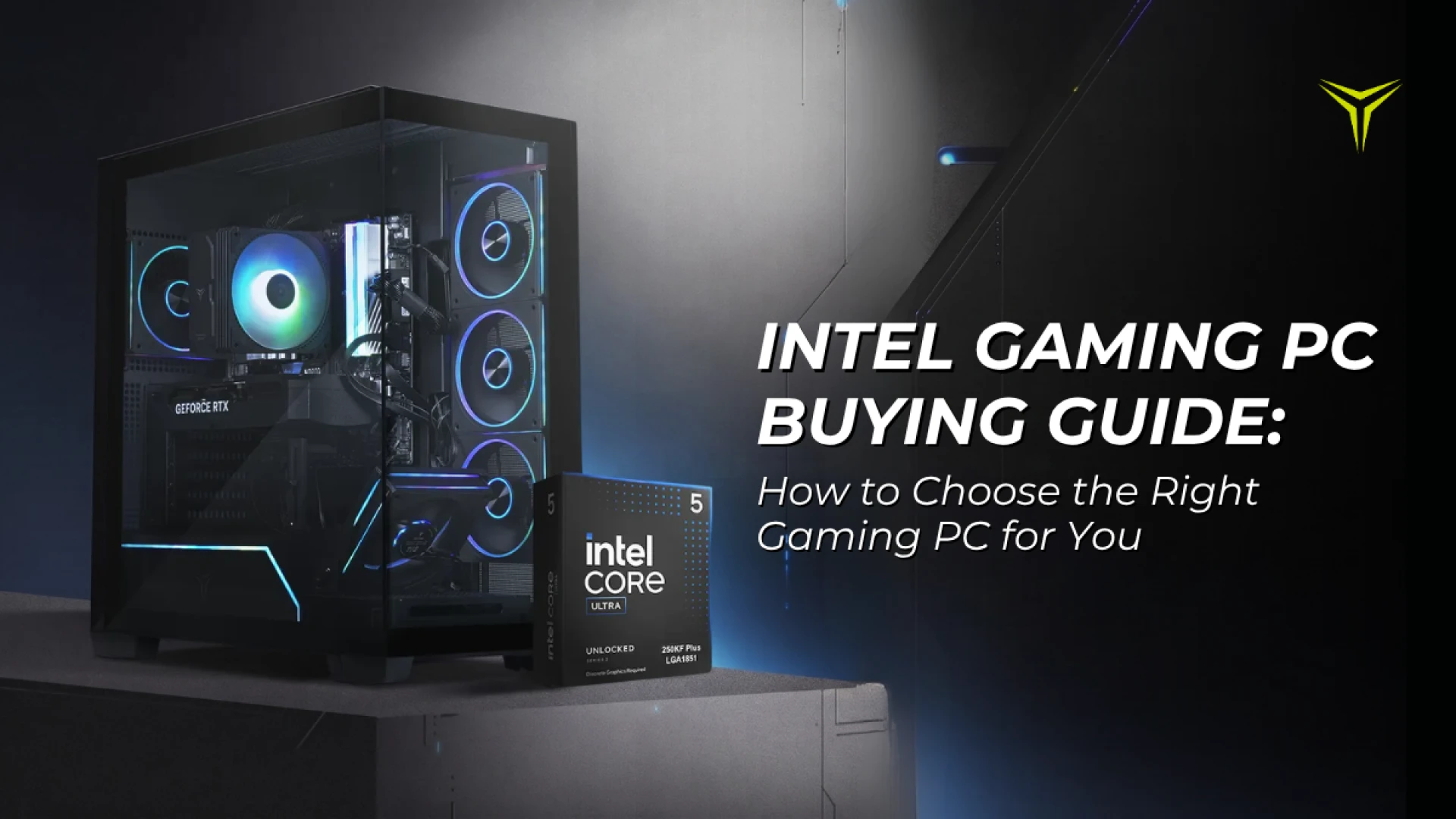
Intel Gaming PC Buying Guide: How to Choose the Right Gaming PC for You
by YEYIAN
Explore our expert buying guide to find the ideal Intel gaming PC. Compare processors, NVIDIA RTX 50 series GPUs, and discover exclusive Intel Gamer Days deals and free games.
Intel Gaming PC Buying Guide: How to Choose the Right Gaming PC for You
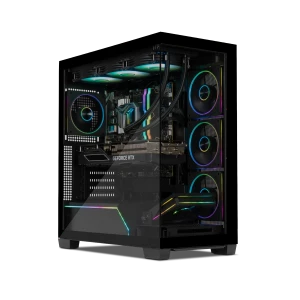
If you're looking for an Intel gaming PC, we offer several configurations designed for different types of players and budgets. From the Intel Core i5-14400F and RTX 5060 to the Intel Core Ultra 5 and RTX 5070, here's how to compare your options and decide which setup makes the most sense for your gaming experience.
What Should You Look for in an Intel Gaming PC?
Before choosing a specific PC, it's important to understand the components that impact gaming performance.
CPU: Intel's Role in Your Gaming PC
The processor handles game logic, physics, background processes, and many tasks while you're playing. Intel offers different processor families and performance levels, so choosing the right CPU depends on what you plan to do with your PC.
For gaming, an Intel Core i5 can be more than enough for many players, especially when paired with a capable graphics card. Moving into Intel Core Ultra configurations can provide additional performance and features for users who also want a more modern platform for gaming, multitasking, and AI-related workloads. The important thing is to consider the CPU and GPU as a combination, rather than choosing a processor in isolation.
GPU: The Key to Gaming Performance
If gaming is your main priority, the graphics card is one of the most important components to consider. The GPU is responsible for rendering the game's visuals, including textures, lighting, shadows, and effects.
NVIDIA's GeForce RTX 50 Series brings newer-generation graphics technology and features such as DLSS, ray tracing, and AI-powered performance enhancements. A more powerful GPU generally gives you more room to play demanding games at higher resolutions and graphical settings.
RAM: Don't Underestimate Memory
Modern games can use significant amounts of system memory, especially when you're also running other applications in the background. For a new gaming PC, 32GB of RAM provides plenty of headroom for gaming, multitasking, and demanding applications. All four Yeyian systems in this guide feature 32GB of DDR5 memory, giving them a strong foundation for modern gaming.
Storage: More Games, Less Waiting
Game installations are getting larger, making storage capacity increasingly important. A 2TB NVMe SSD gives you significantly more room for a growing game library while also providing fast loading and system responsiveness. If you frequently install large games, having 2TB available can save you from constantly deciding which games to uninstall.
Celebrate Intel Gamer Days with Special Offers & Free Games
This is the perfect time to upgrade your setup. With the arrival of Intel Gamer Days, we bring you incredible opportunities to grab exclusive hardware deals, free game bundles, and special promotions on our high-performance Intel-powered systems.

Which Intel Gaming PC Is Right for You?
There isn't one perfect configuration for everyone. Your ideal PC depends on your budget, the games you play, and the kind of experience you're looking for. Here are four Yeyian options to consider:
1. Yeyian Vault 44F0C-5603U
A Strong Starting Point for PC Gaming
If you're looking for a capable Intel gaming PC with an RTX 5060, the Yeyian Vault 44F0C-5603U is a straightforward option for getting into modern PC gaming.

• CPU: Intel Core i5-14400F
• GPU: NVIDIA GeForce RTX 5060 8GB GDDR7
• RAM: 32GB DDR5 6000MHz RGB
• Storage: 2TB NVMe SSD Gen 4
• Cooling: Stock CPU fan with RGB
2. Yeyian Edge
Intel Core Ultra 5 and RTX 5060
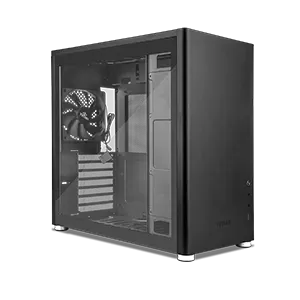
The Yeyian Edge takes the RTX 5060 and pairs it with a newer Intel Core Ultra 5 225F processor in a high-airflow tower design built to handle both gaming and everyday productivity efficiently.
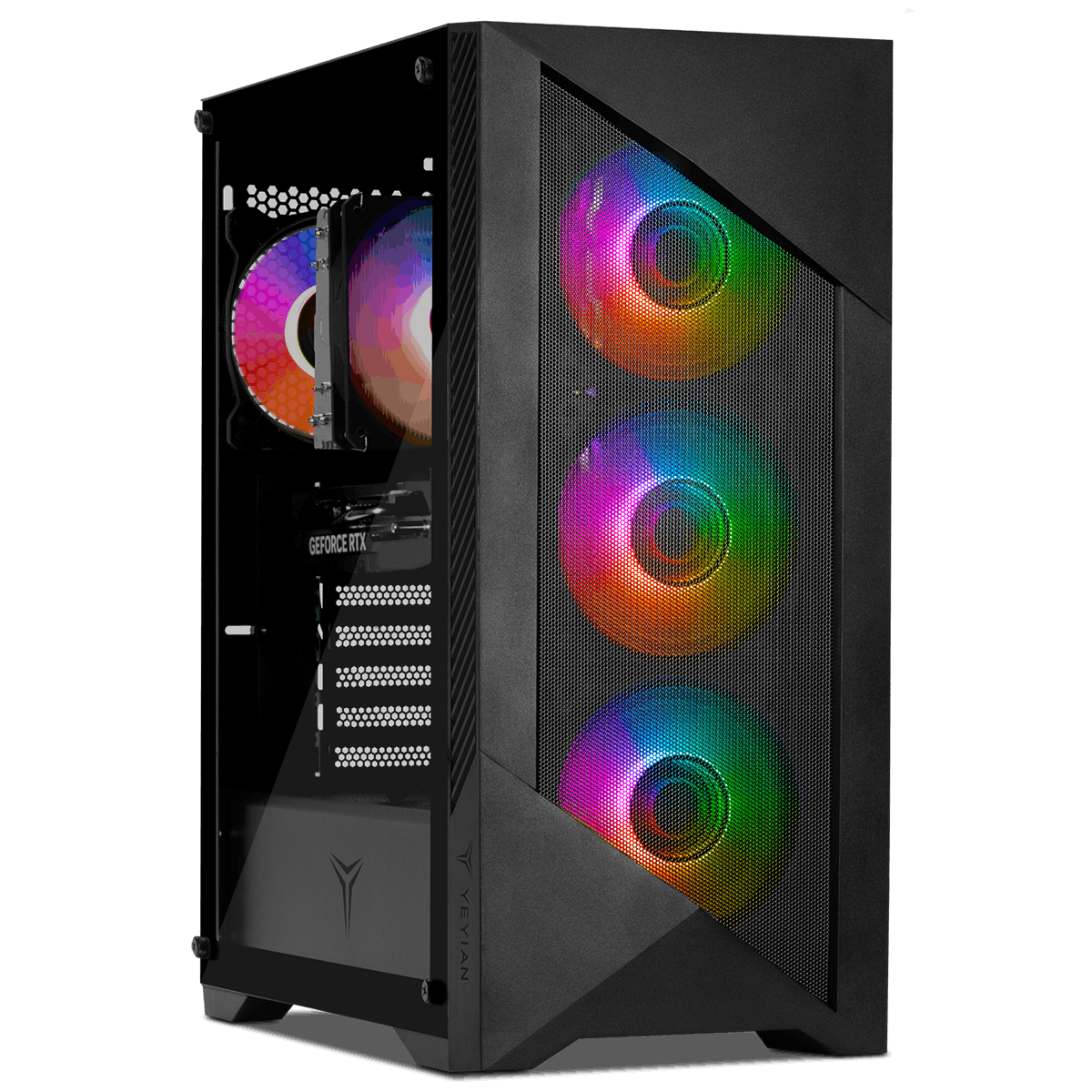
• CPU: Intel Core Ultra 5 225F
• GPU: NVIDIA GeForce RTX 5060
• RAM: 32GB DDR5 6000MHz
• Storage: 2TB NVMe SSD
• Cooling & Design: Performance air cooling, high-airflow tower
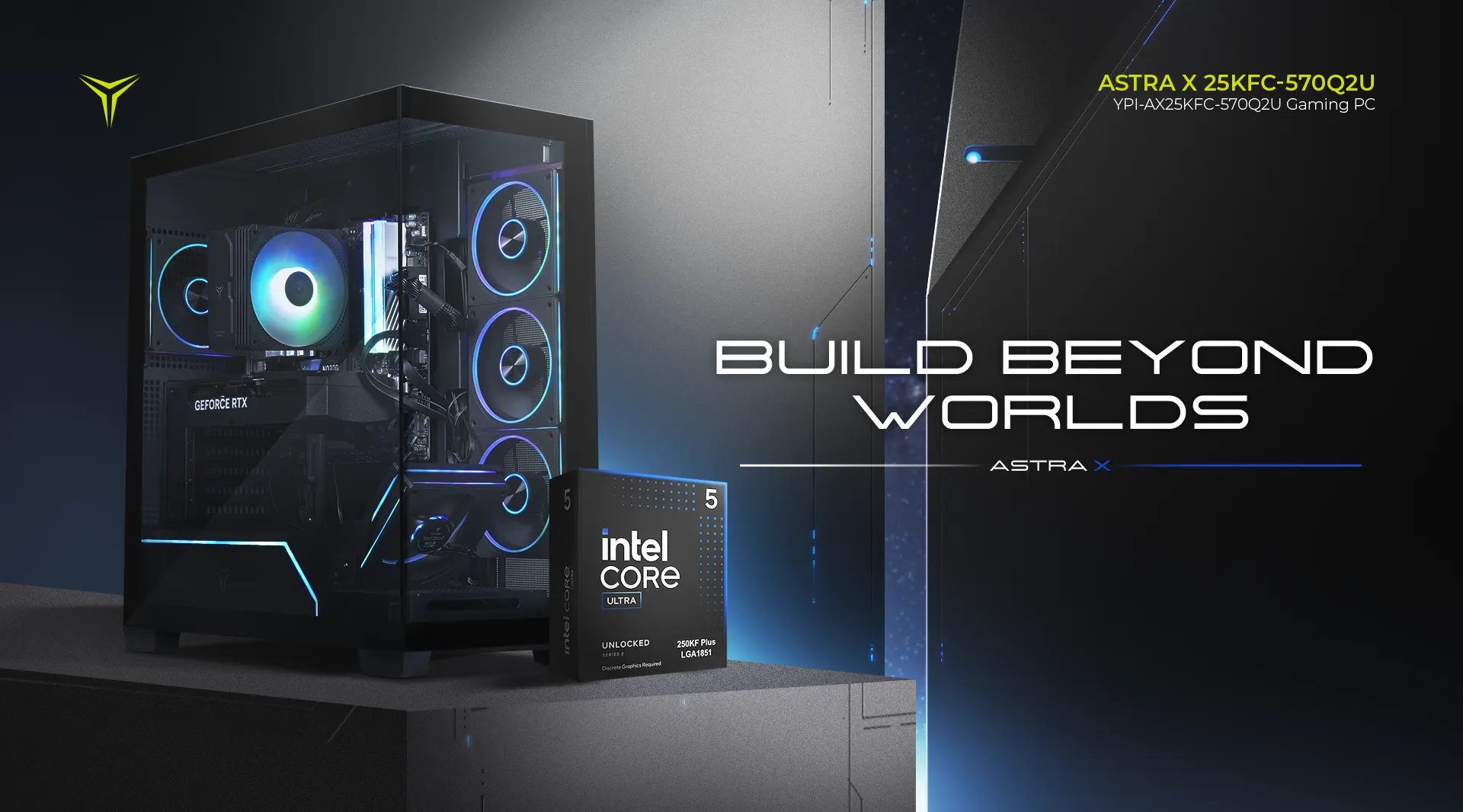
3. Yeyian Astra X
Step Up to the RTX 5070 Performance Tier
If your goal is to move up to a more powerful GPU, the Yeyian Astra X combines an Intel Core Ultra 5 250KF with an NVIDIA GeForce RTX 5070, offering a compelling choice for demanding games at high settings.
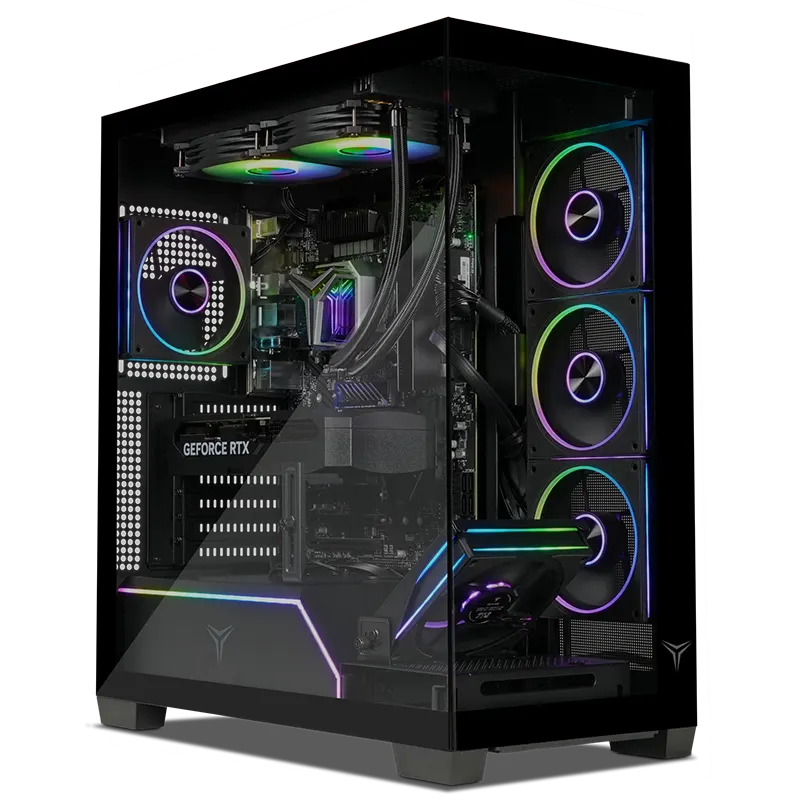
• CPU: Intel Core Ultra 5 250KF
• GPU: NVIDIA GeForce RTX 5070 12GB GDDR7
• RAM: 32GB (2×16GB) DDR5 6000MHz RGB
• Storage: 2TB NVMe SSD Gen 4
• Cooling & Case: High-performance air tower cooler, high-airflow tower
4. Yeyian Elara 49KFC-5701U
For Gamers Who Want More CPU Power
At the higher end of this lineup, the Yeyian Elara pairs an Intel Core i9 processor with an NVIDIA GeForce RTX 5070. Aimed at users who stream, create content, or need elite CPU performance for demanding workloads.

• CPU: Intel Core i9
• GPU: NVIDIA GeForce RTX 5070
• RAM: 32GB DDR5
• Storage & Use Case: Configuration varies; optimized for high-performance gaming & multitasking
Intel Core i5 vs. Intel Core Ultra 5 vs. Intel Core i9
Looking only at the processor name isn't enough to determine which gaming PC is best for you. Here's a simple way to compare these configurations:
| Configuration | Best For | GPU | Memory |
|---|---|---|---|
| Core i5-14400F (Vault) | Everyday gaming and value | RTX 5060 8GB | 32GB DDR5 |
| Core Ultra 5 225F (Edge) | Modern gaming + multitasking | RTX 5060 | 32GB DDR5 |
| Core Ultra 5 250KF (Astra X) | Higher-performance gaming | RTX 5070 12GB | 32GB DDR5 |
| Intel Core i9 (Elara) | Gaming + demanding workloads | RTX 5070 | 32GB DDR5 |
RTX 5060 or RTX 5070: Which GPU Makes More Sense?
The RTX 5060 configurations are a solid fit for gamers who want modern NVIDIA graphics technology without jumping into higher price classes. The RTX 5070 provides more graphics headroom, 12GB of GDDR7 memory, and maximum performance for high resolutions and rigorous game requirements.
How Much RAM and Storage Do You Need?
For a new gaming PC, 32GB of RAM and 2TB of SSD storage provide a comfortable starting point. You can play games while keeping background apps running smoothly, and store large libraries without constantly uninstalling titles.
Which Yeyian Intel Gaming PC Is Right for You?
- Choose the Vault if: You want a capable Intel Core i5 + RTX 5060 setup with 32GB RAM and massive storage while keeping things straightforward.
- Choose the Edge if: You prefer a newer Intel Core Ultra 5 platform combined with an RTX 5060 in an optimized high-airflow chassis.
- Choose the Astra X if: You want to step up to an RTX 5070 for superior graphical capabilities and intensive modern gaming.
- Choose the Elara if: You need maximum CPU muscle from an Intel Core i9 to handle gaming alongside heavy streaming and productivity workloads.
Frequently Asked Questions (FAQ)
1. What are Intel Gamer Days offers?
Intel Gamer Days is a special seasonal event featuring elite discounts, free game bundles, and hardware promotions across high-performance Intel configurations.
2. Should I choose an RTX 5060 or RTX 5070 gaming PC?
Choose the RTX 5060 for incredible everyday value and modern performance, or upgrade to the RTX 5070 for greater graphics headroom, 12GB GDDR7 memory, and maximum visual settings.
3. Do these Yeyian systems include enough RAM and storage?
Yes! Every featured model comes standard with 32GB of fast DDR5 memory and a spacious 2TB NVMe SSD for instant loading speeds and seamless multitasking.
Ready to Upgrade During Intel Gamer Days?
Explore all special deals, free game bundles, and high-performance Intel systems available now.
👉 INTEL GAMER DAYS DEALS BROWSE ALL GAMING PCSSubmit your review
Your email address will not be published. Required fields are marked *
 GAMING PCs
 MONITORS
 AUDIO
AUDIO
 COMPUTER CASES
 POWER SUPPLIES
 KEYBOARDS & MICE
 FURNITURE
 FANS & PC COOLING
 STREAMING GEAR