


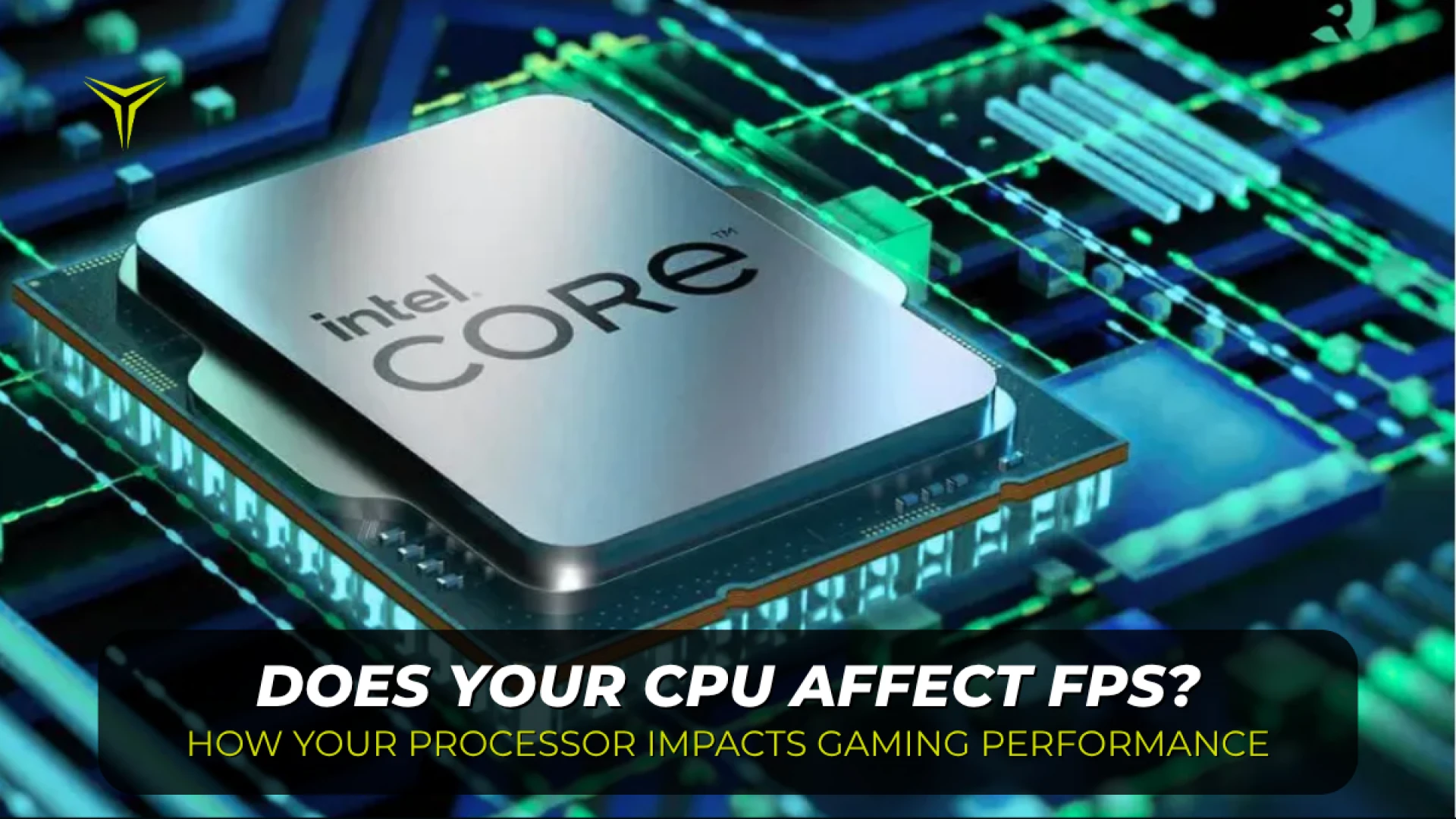
Does Your CPU Affect FPS? How Your Processor Impacts Gaming Performance
by YEYIAN
While the graphics card usually gets all the spotlight, your processor plays a fundamental role in your gaming frame rates. We break down CPU-bound vs. GPU-bound scenarios, explain why 1080p and high-refresh monitors depend heavily on CPU speed, and show you how to spot a bottleneck.
Does Your CPU Affect FPS? How Your Processor Impacts Gaming Performance
When talking about gaming performance, the graphics card usually gets all the attention. But does your processor actually affect FPS? Absolutely. Your CPU and GPU work as a team: if the processor doesn't prep the scene fast enough, your graphics card is left waiting.
Quick Take: CPU vs. GPU at a Glance
- CPU (The Director): Handles behind-the-scenes game logic, physics, enemy AI, player inputs, and frame draw calls.
- GPU (The Artist): Takes those instructions and does the heavy lifting required to render textures, lighting, and pixels on screen.
- Resolution Shift: At 1080p and high refresh rates (144Hz–240Hz), the CPU heavily dictates your maximum FPS. At 1440p and 4K, the GPU carries most of the workload.
- No Magic Upgrades: A faster CPU won't increase your FPS if your graphics card is already running flat out at 99%.
CPU vs. GPU: What Does Each Component Actually Do?
If you are new to PC hardware, it helps to understand who does what inside your tower:
- The CPU (Central Processing Unit): This is the main processor of your system (such as chips from Intel or AMD). It runs general background tasks, calculates game physics, manages NPC actions, and sends instructions to your graphics card.
- The GPU (Graphics Processing Unit): This is the dedicated chip found on your graphics card (such as NVIDIA GeForce, AMD Radeon, or Intel Arc). Its sole responsibility is processing geometry, shaders, lighting, and displaying each frame on your monitor.
When both components are well-matched, frames flow smoothly. When one cannot keep pace with the other, you hit a bottleneck.
CPU-Bound vs. GPU-Bound: Where Is Your Bottleneck?
Upgrading your processor will only improve your FPS when a game is CPU-bound—meaning the processor is maxed out while the graphics card is left waiting for more instructions:
| Scenario | Hardware Status | Typical Gaming Examples | Result of a CPU Upgrade |
|---|---|---|---|
| CPU-Bound (Processor Limit) | High CPU load; GPU sits idle under 85-90% utilization. | 1080p competitive shooters (Valorant, CS2), simulation, heavy multiplayer cities. | High impact: Lifts average FPS and stabilizes stuttering 1% lows. |
| GPU-Bound (Graphics Card Limit) | GPU runs at 97-100% while the CPU stays comfortable. | AAA games at 1440p or 4K (Cyberpunk 2077, Black Myth: Wukong) with Ray Tracing. | Little to none: The GPU remains the main performance ceiling. |
Why Resolution and Refresh Rates Change Everything
At 1080p, a modern graphics card can render frames in a fraction of a millisecond. Because the GPU finishes so fast, it demands frame data from the CPU at lightning speed. This is why hardware benchmarks at lower resolutions showcase CPU capabilities: the processor is doing the heavy lifting.
If you own a 144Hz, 180Hz, or 240Hz monitor, CPU speed is crucial. If your graphics card is capable of pushing 200 FPS, but your processor runs out of steam at 120 FPS, your high-refresh screen won't reach its full potential.
Once you move up to 1440p or 4K, the graphics card has to render millions of extra pixels per frame. The bottleneck naturally shifts to your GPU, making CPU differences much less noticeable.
Should You Upgrade Your CPU or GPU?
Before buying new components, turn on an on-screen hardware monitor (like MSI Afterburner, Xbox Game Bar, or your GPU driver overlay) during your games:
- GPU usage is pegged at 97%–100%: Your graphics card is working at full throttle. Upgrading your GPU (or lowering visual settings) will give you more frames.
- GPU usage fluctuates below 85% with stuttering: Your processor cannot feed frame data fast enough. Moving to a faster modern gaming CPU will unleash your graphics card.
- Check your background apps: Before spending money, make sure heavy browser tabs, Discord screen shares, and recording tools aren't hogging your CPU threads in the background.
Frequently Asked Questions
What is the difference between a CPU and a GPU?
The CPU (Central Processing Unit) acts as the brain handling game logic, physics, and input commands. The GPU (Graphics Processing Unit) is a specialized chip built specifically to process and render visual elements, shadows, and pixels.
Does increasing screen resolution reduce CPU bottleneck?
Jumping from 1080p to 1440p or 4K won't reduce the CPU's baseline workload, but it places a massive burden on the graphics card. This balances component usage and eliminates CPU stutter, though your maximum FPS will be capped by the GPU.
Does 100% CPU usage always mean I need a replacement?
Not always. Dense open-world and strategy games are designed to utilize all available processor threads. As long as your gameplay remains smooth and free of major frame drops, high utilization simply means the game is making full use of your hardware.
Submit your review
Your email address will not be published. Required fields are marked *
 GAMING PCs
 MONITORS
 AUDIO
AUDIO
 COMPUTER CASES
 POWER SUPPLIES
 KEYBOARDS & MICE
 FURNITURE
 FANS & PC COOLING
 STREAMING GEAR